Built-in Tools
Zenkai ships with a set of Lua plugins that turn the search bar into more than an app launcher. Disable all of them with --no-plugins, or load only some with --plugin=NAME.
Calculator
Type an expression and the answer shows up as a result. Enter copies it and keeps Zenkai open; Ctrl+K also offers Copy Expression.
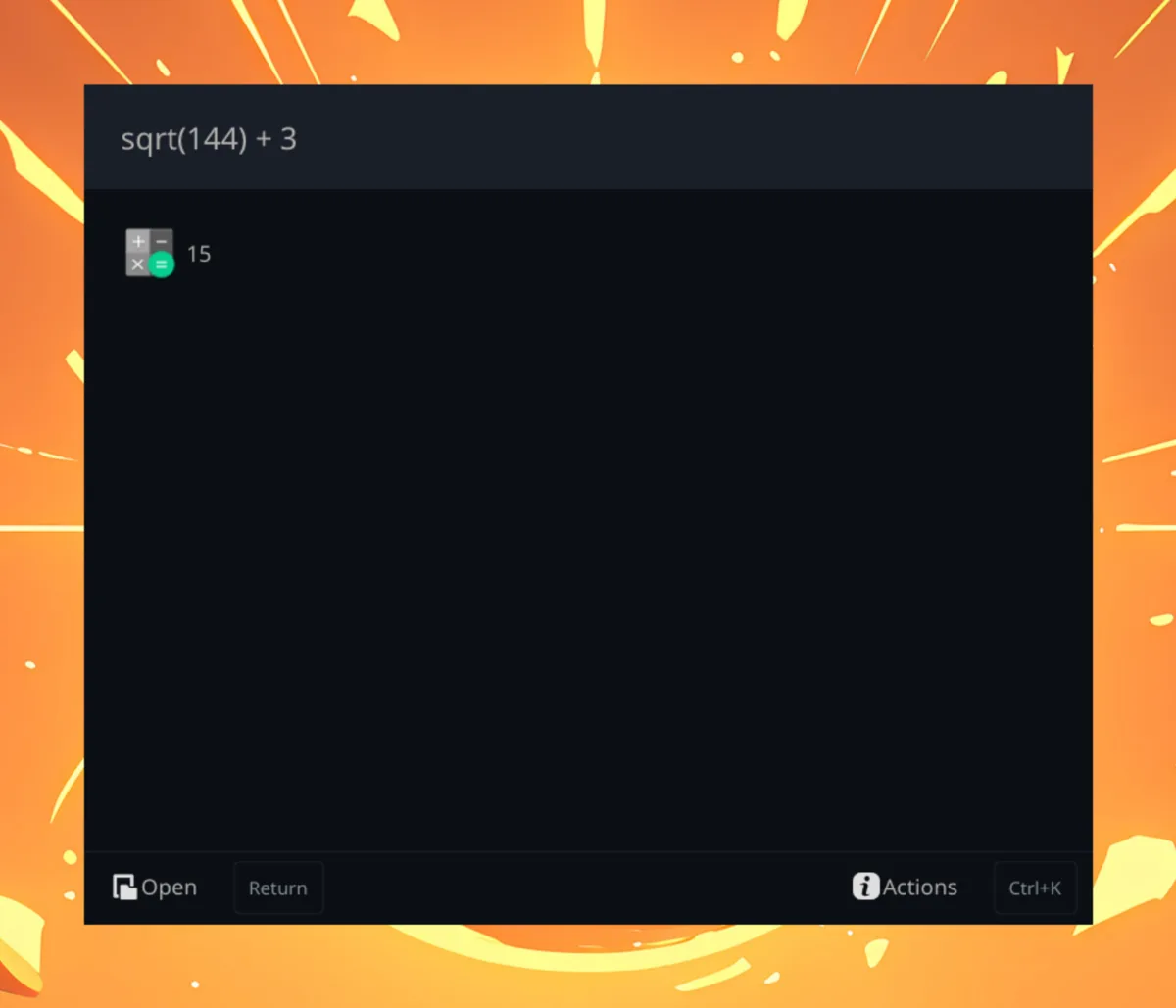
| Example | Result |
|---|---|
sqrt(144) + max(2, 3) | 15 |
sin(pi / 2) | 1 (trigonometry uses radians) |
1e3 / 4 | 250 |
15% of 80 | 12 |
Functions: sqrt, abs, floor, ceil, round, min, max, sin, cos, tan, asin, acos, atan, ln, log (base 10), exp, rad and deg. Constants: pi, tau and e.
Unit and currency conversion
| Example | Result |
|---|---|
100 cm to m | 1 m |
32 f to c | 0 c |
2 GiB to MiB | 2048 MiB |
100 USD to EUR | Latest reference rate, with its date |
Supports length, mass, time, volume, speed, temperature, angles and data sizes. Data units tell bits (Mb) from bytes (MB) and decimal from binary (MiB).
Currency rates come from Frankfurter, which publishes daily reference rates (not live trading prices). Only the currency codes are sent, never the amount. Rates are cached until Zenkai closes. Everything else works offline.
Quicklinks
Type link: and a search to search Google or GitHub, or to find one of your saved links by title.
Add your own by copying the plugin's config.example.json to ~/.config/zenkai/quicklinks.json (%APPDATA%\zenkai\quicklinks.json on Windows). Each entry under commands has a title and an http(s) url. A {query} placeholder in the URL is replaced with what you typed. Set "replace": true to drop the built-in Google and GitHub searches.
Snippets
Type snip: to find a saved snippet by title or description. Enter copies its text (it doesn't type it into another app).
Snippets live in snippets.json in the same config folder. Each one has a title, an optional subtitle and the text. Use \n for line breaks.
Emoji picker
Type : and a name or keyword, or emoji: if you prefer, to search 1,898 emoji. Results show the emoji itself as the icon. Enter copies it and keeps Zenkai open; Ctrl+K also offers Copy Codepoints (like U+1F525).
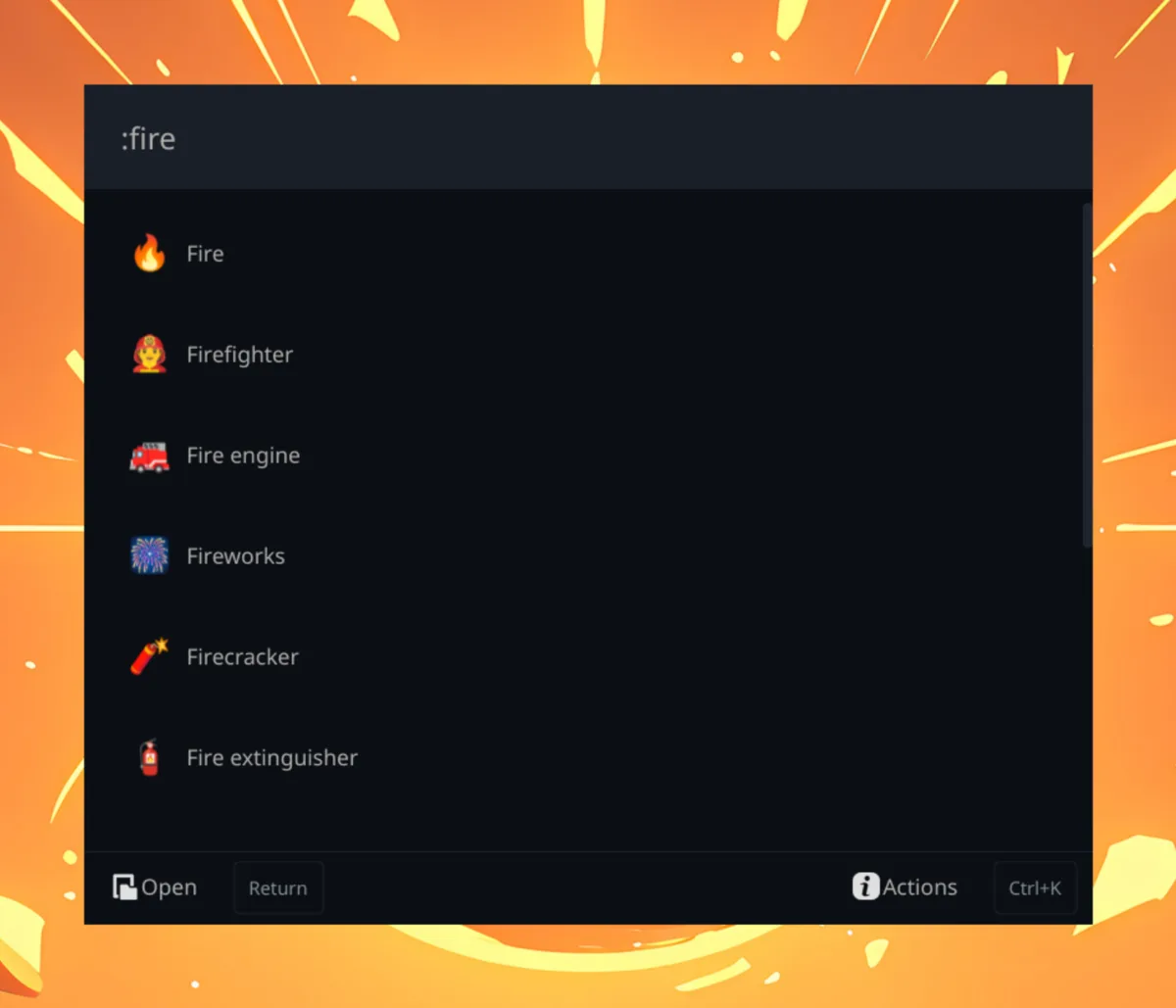
| Type | Finds |
|---|---|
:fire | 🔥 Fire, then firefighter, fire engine, fireworks… |
:red heart | ❤️ Red heart. Every word has to match. |
:laugh | 😂 🤣 😆 through Unicode's keywords, not just names |
: | The smileys, to browse |
Names and keywords come from Unicode Emoji 15.1. Skin-tone variants aren't listed.
URL suggestions
Type something that looks like a URL, such as github.com or localhost:3000, and Zenkai offers to open it in your default browser, shown with that browser's icon. Bare domains open over HTTPS and localhost with a port over HTTP. Normal multi-word searches and email addresses are ignored.
Desktop palettes
| Plugin | What it does |
|---|---|
hyprland | Hyprland command palette for workspaces, windows, monitors, floating, fullscreen, lock, screenshots and more. Type hypr or wm to use it. |
osx | macOS palette for power, audio, volume and live system status. Type os, mac or sys to use it. |
run | Windows only: run: runs a command with the Windows shell. zenkai --run opens straight into it. |
Plugin settings are read once at startup, so restart Zenkai after changing a config file.