Themes
66 built-in themes to match any setup.
arc-dark
Classic GTK blue/gray
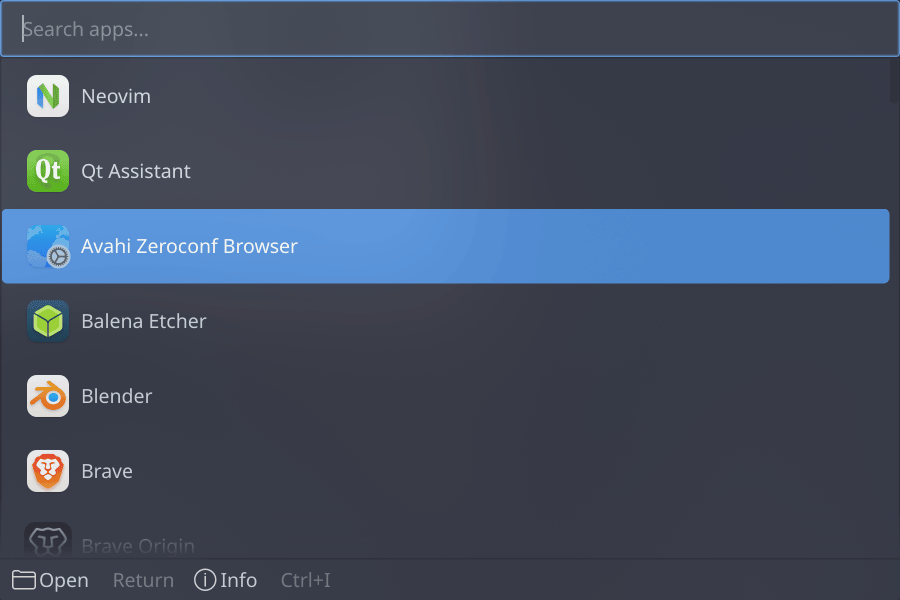
How to use it:
$ zenkai --theme=arc-dark
ayu-dark
Warm dark Ayu
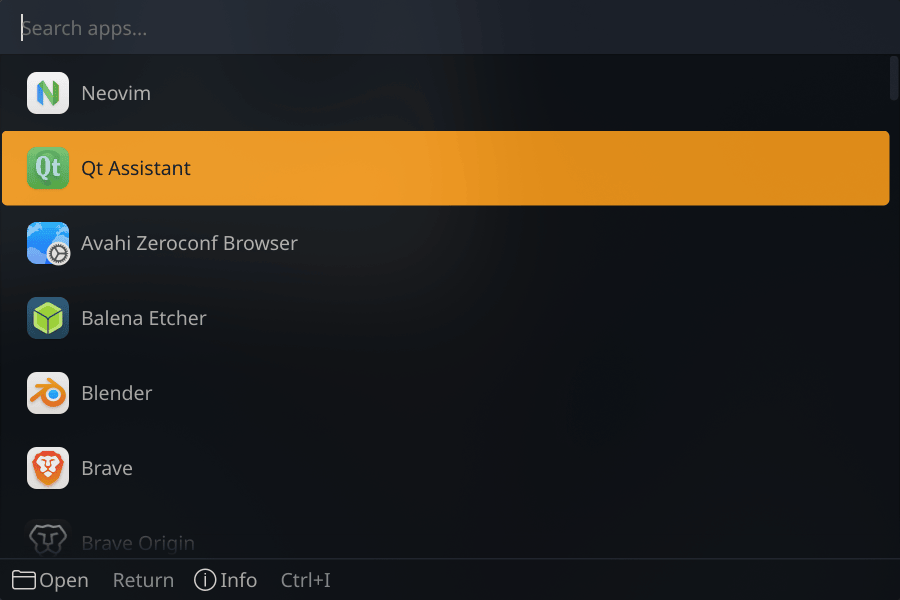
How to use it:
$ zenkai --theme=ayu-dark
ayu-mirage
Dusky Ayu mirage
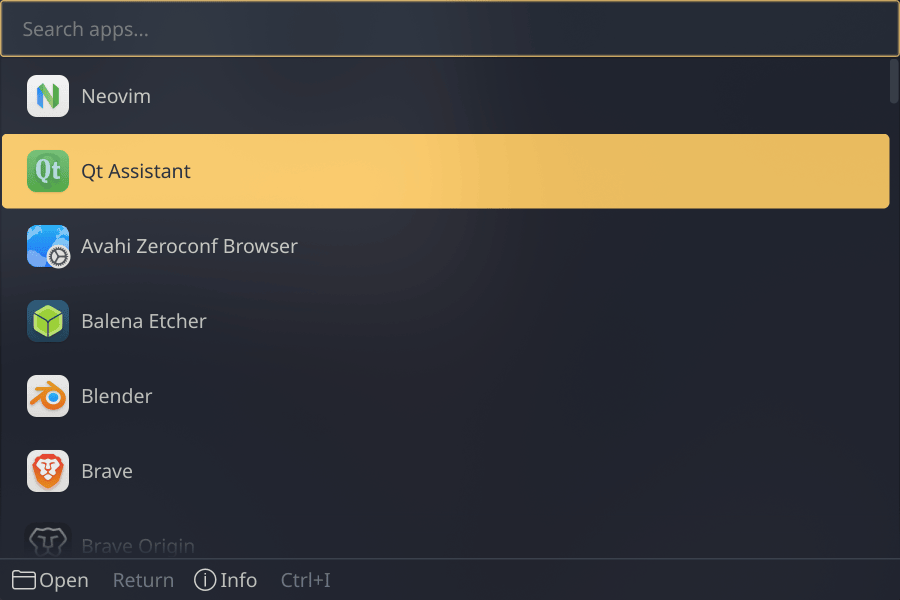
How to use it:
$ zenkai --theme=ayu-mirage
breeze-dark
KDE Plasma 6 dark
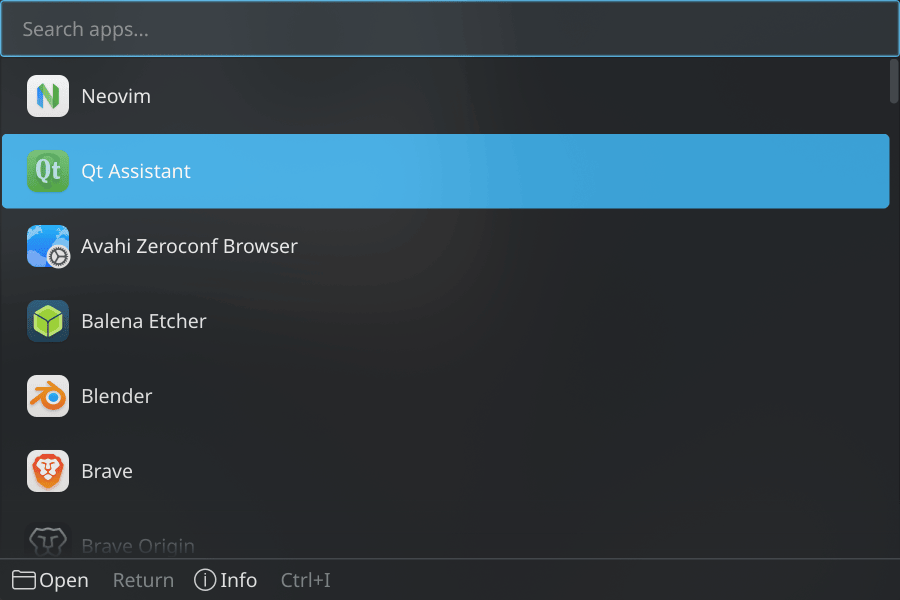
How to use it:
$ zenkai --theme=breeze-dark
breeze-light
KDE Plasma light
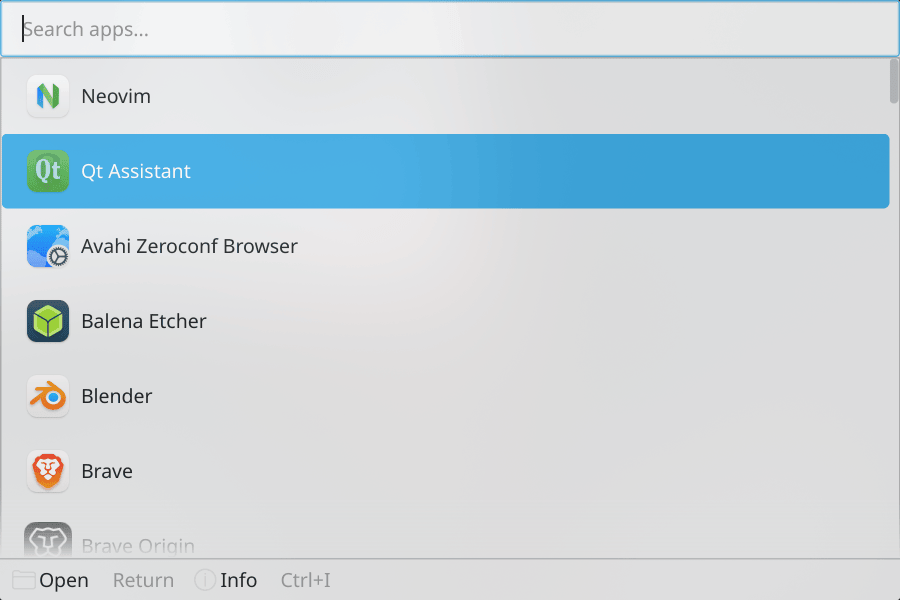
How to use it:
$ zenkai --theme=breeze-light
bulma
Cyan/teal Capsule Corp genius
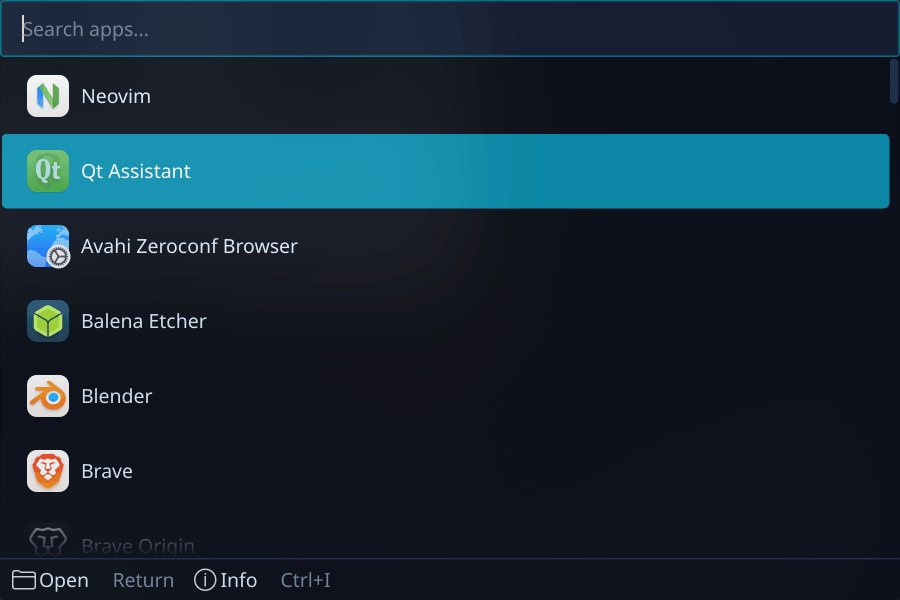
How to use it:
$ zenkai --theme=bulma
buu
Hot pink Majin menace
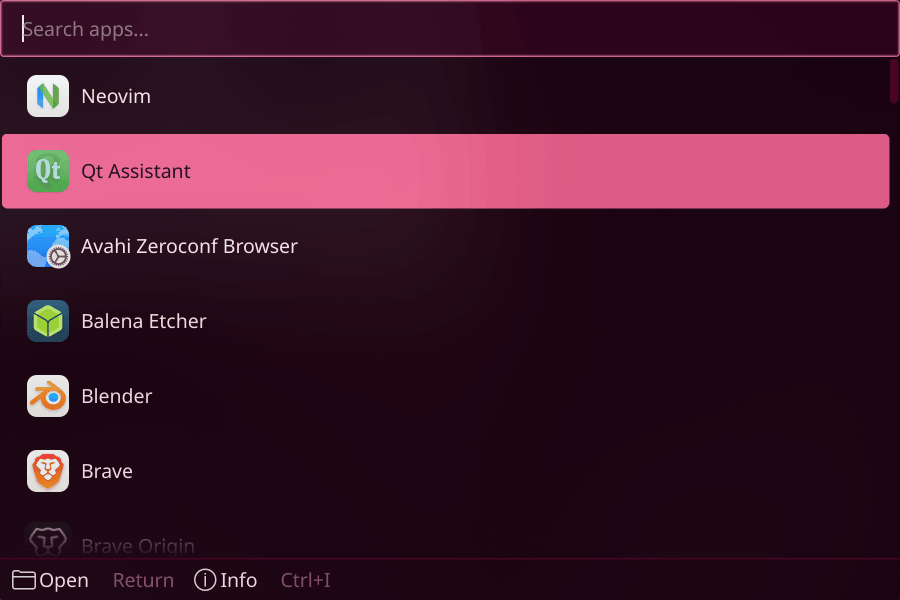
How to use it:
$ zenkai --theme=buu
catppuccin
Soft pastel mocha dark
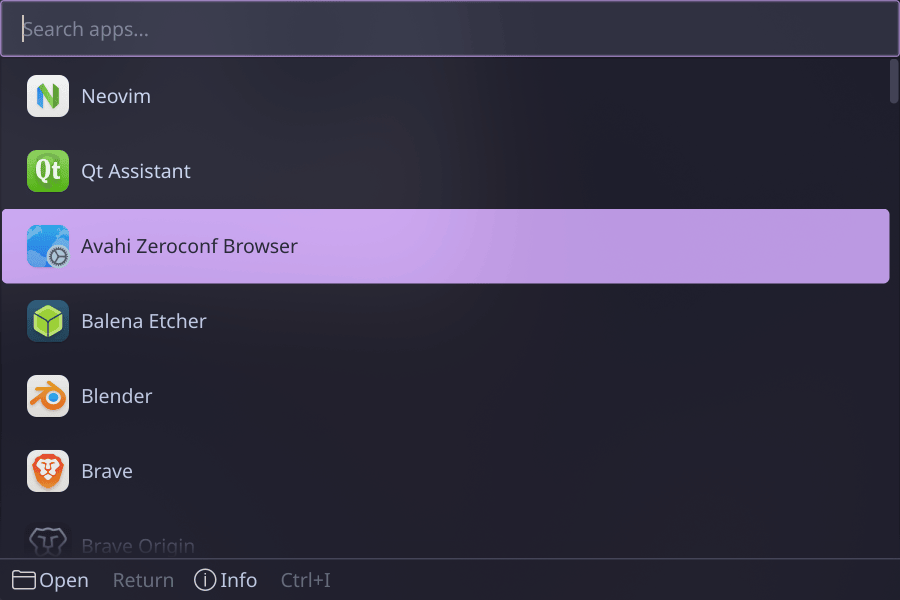
How to use it:
$ zenkai --theme=catppuccin
catppuccin-frappe
Warm catppuccin
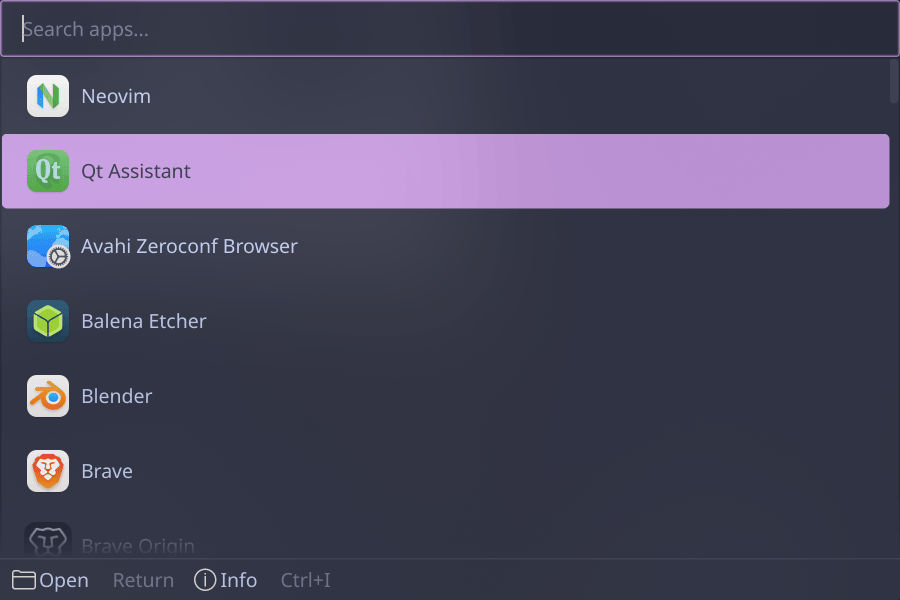
How to use it:
$ zenkai --theme=catppuccin-frappe
catppuccin-latte
Light catppuccin
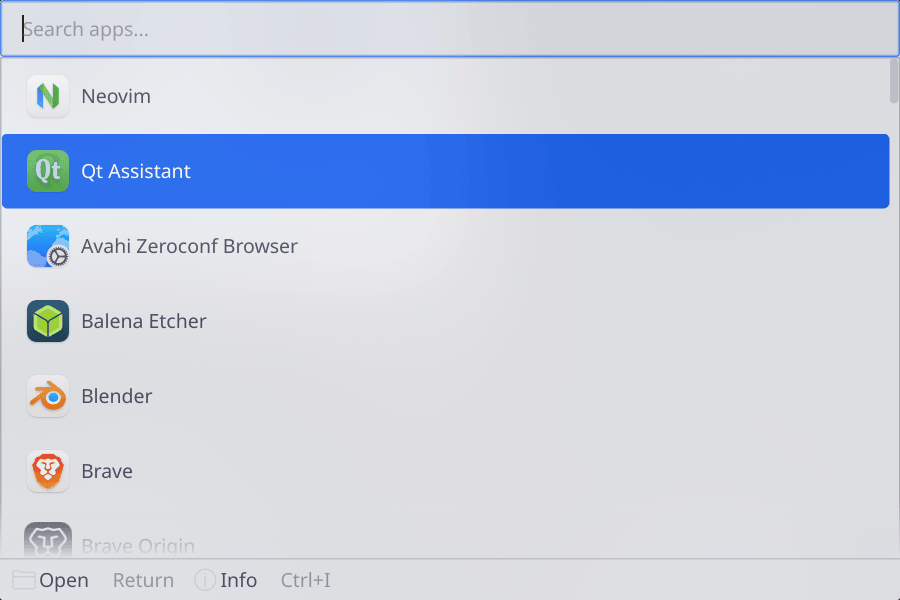
How to use it:
$ zenkai --theme=catppuccin-latte
catppuccin-macchiato
Rich catppuccin
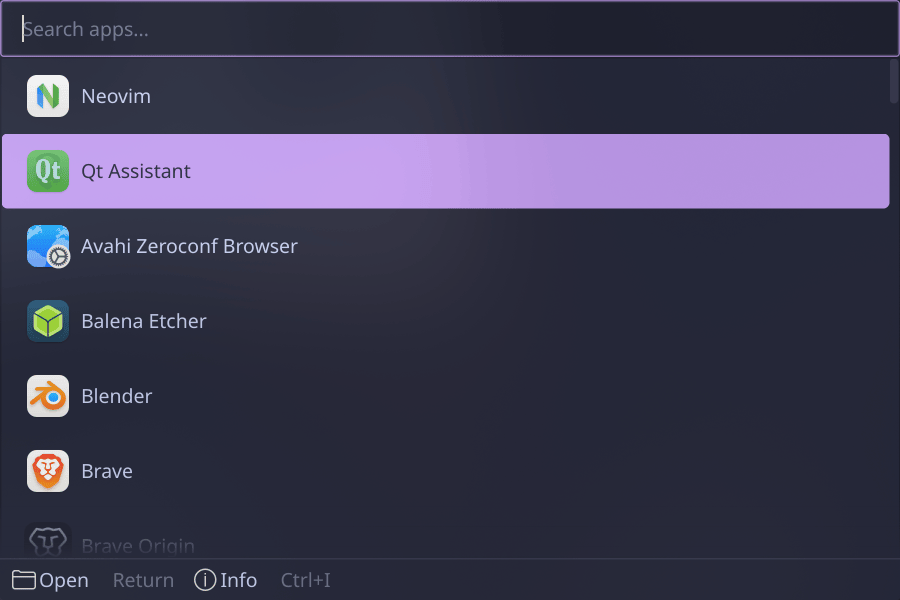
How to use it:
$ zenkai --theme=catppuccin-macchiato
cobalt
Deep blue cobalt
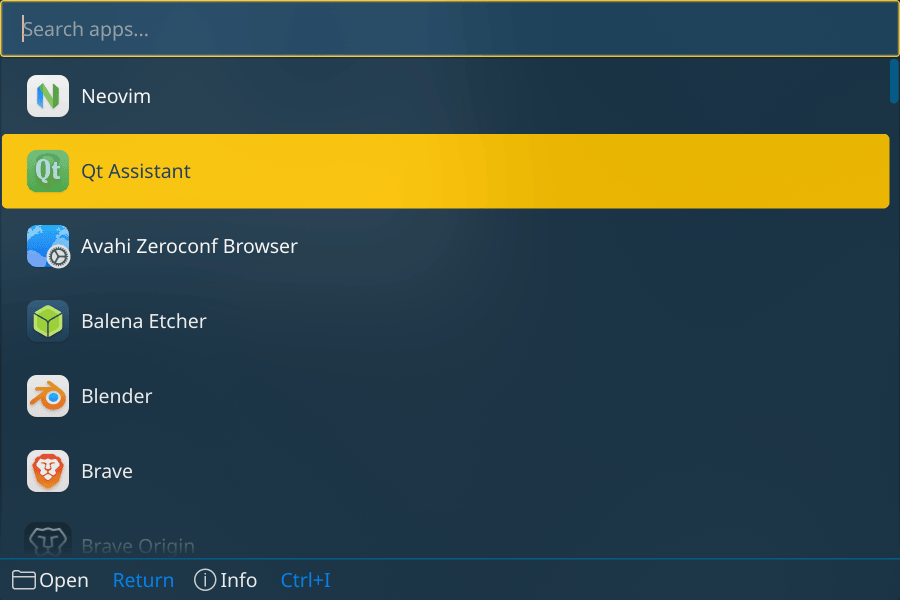
How to use it:
$ zenkai --theme=cobalt
cupertino
Light macOS Spotlight
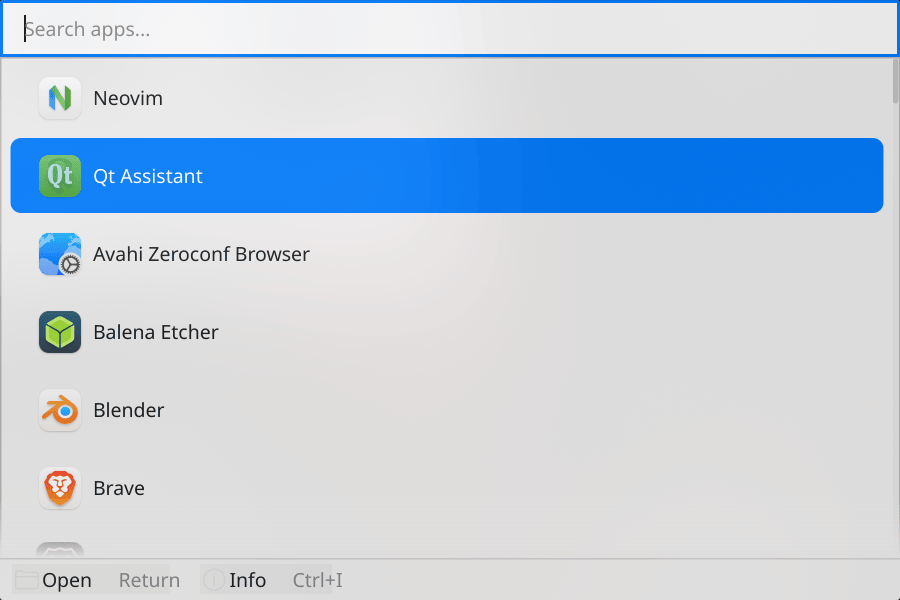
How to use it:
$ zenkai --theme=cupertino
cupertino-dark
Dark macOS Finder
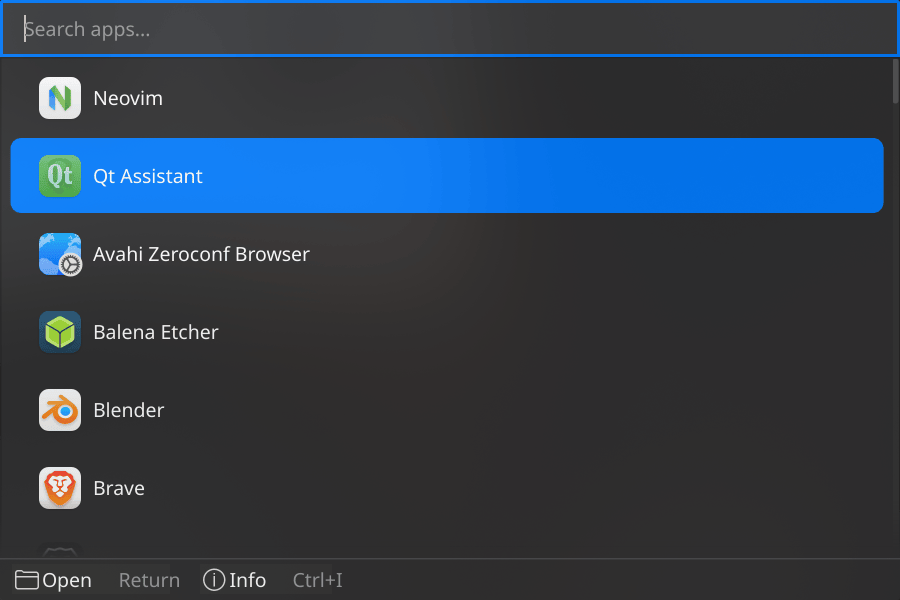
How to use it:
$ zenkai --theme=cupertino-dark
dark
Catppuccin Mocha dark (default)
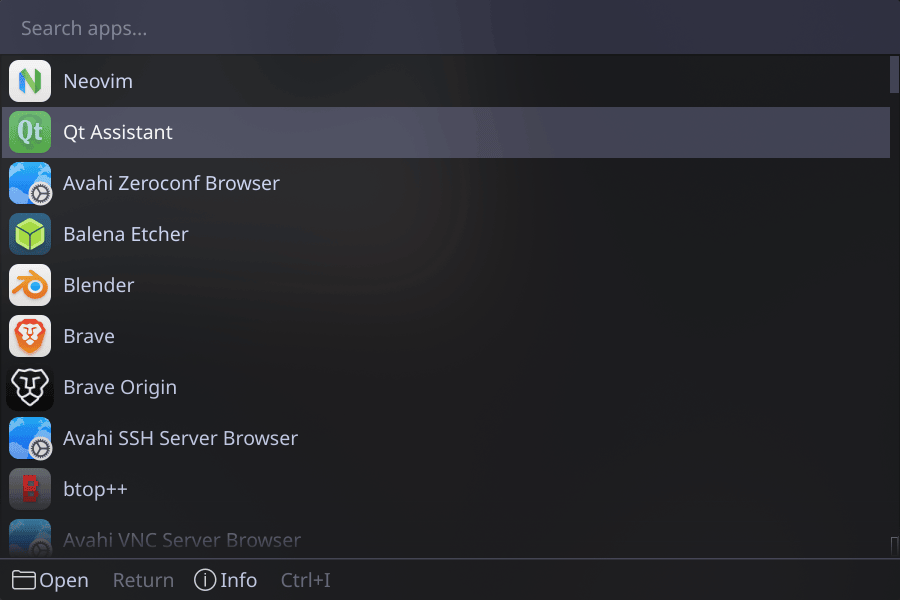
How to use it:
$ zenkai --theme=dark
dracula
Dark purple Dracula
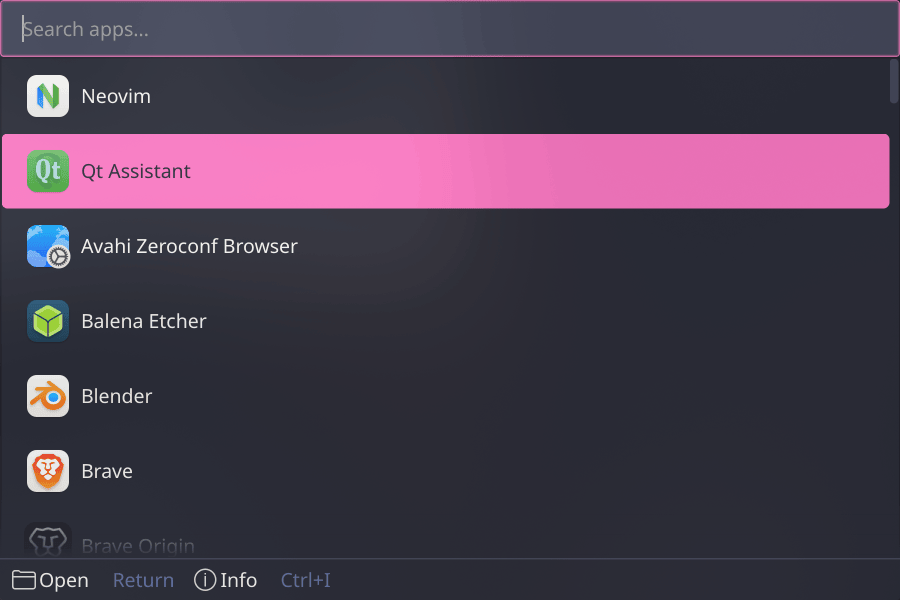
How to use it:
$ zenkai --theme=dracula
everforest
Forest green dark
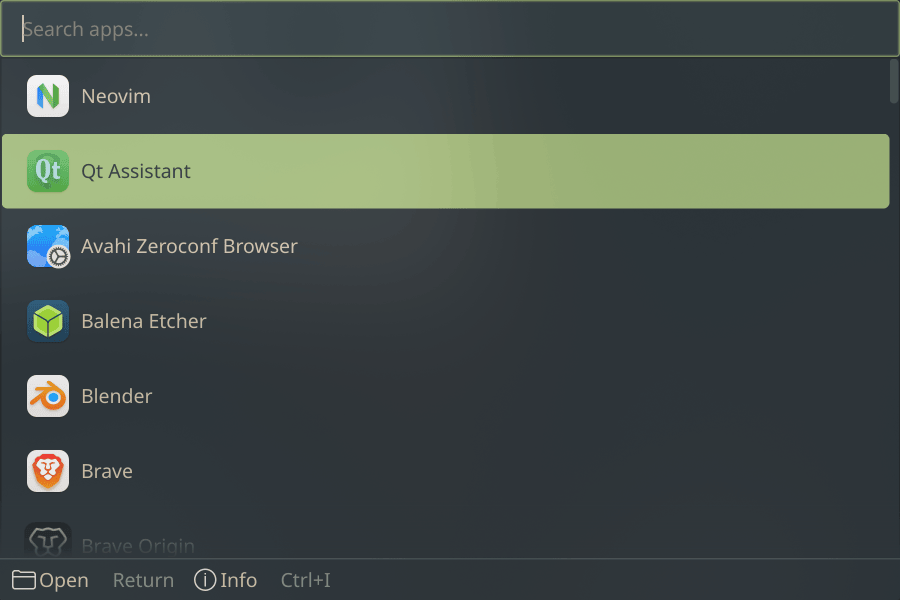
How to use it:
$ zenkai --theme=everforest
frieza
Pale white/purple final form
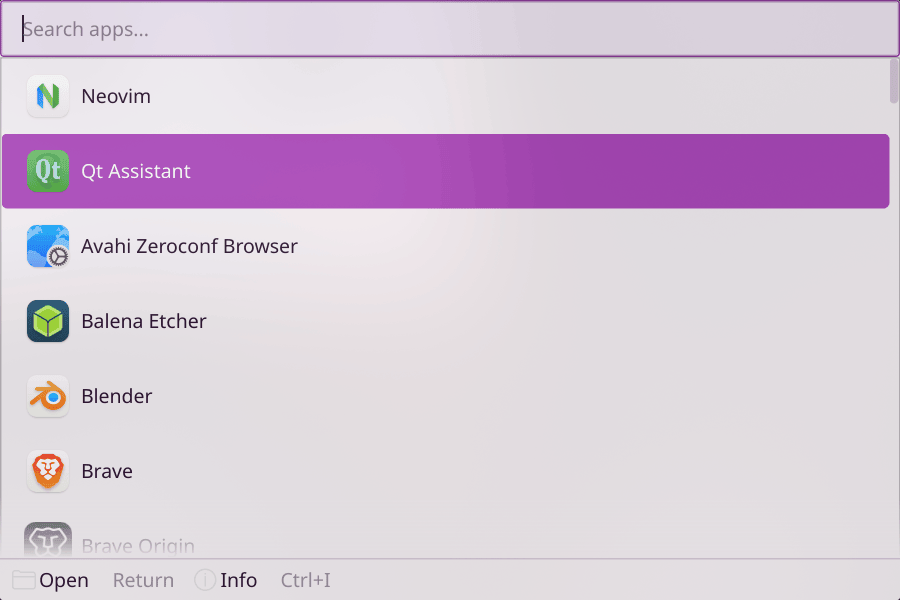
How to use it:
$ zenkai --theme=frieza
github-dark
GitHub dark
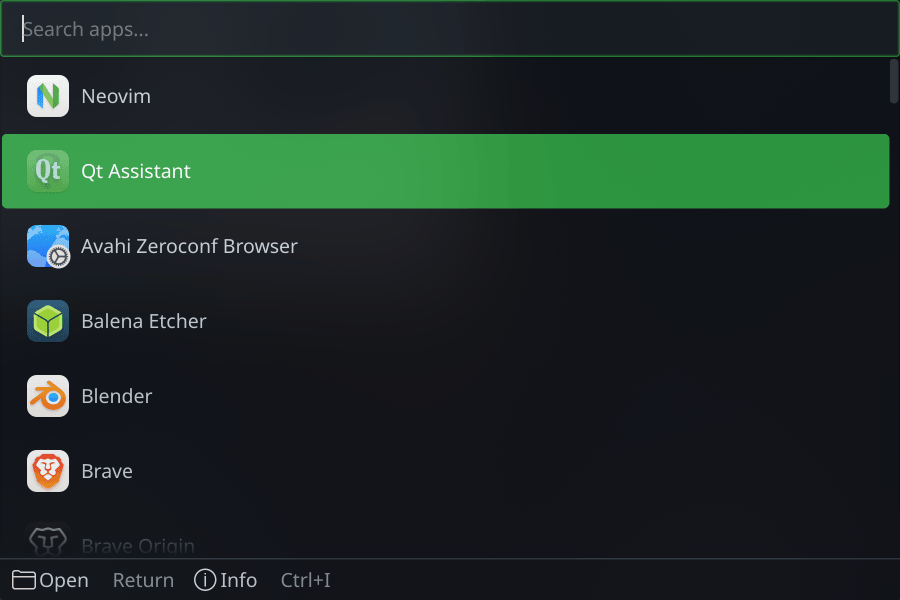
How to use it:
$ zenkai --theme=github-dark
github-light
GitHub light
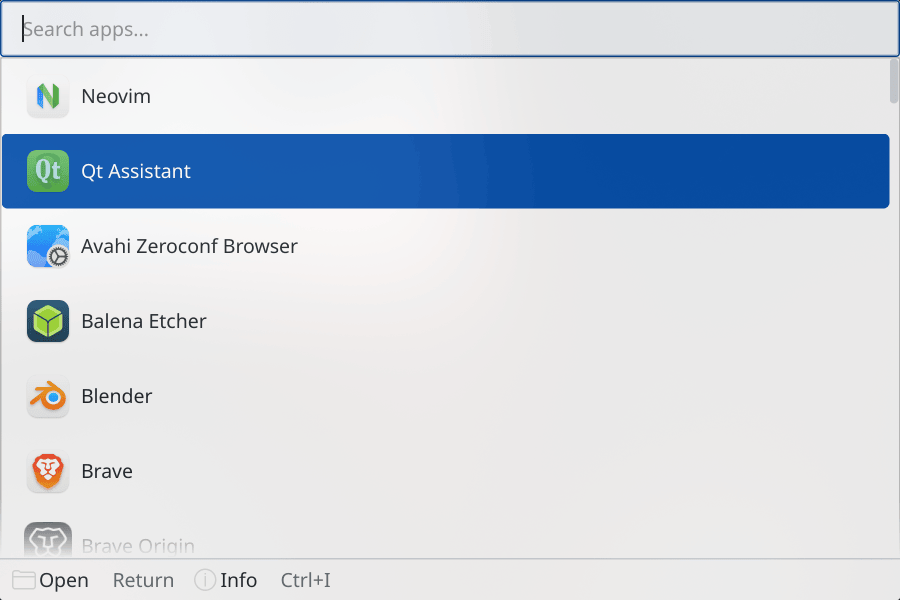
How to use it:
$ zenkai --theme=github-light
gohan
Scholarly purple DBZ
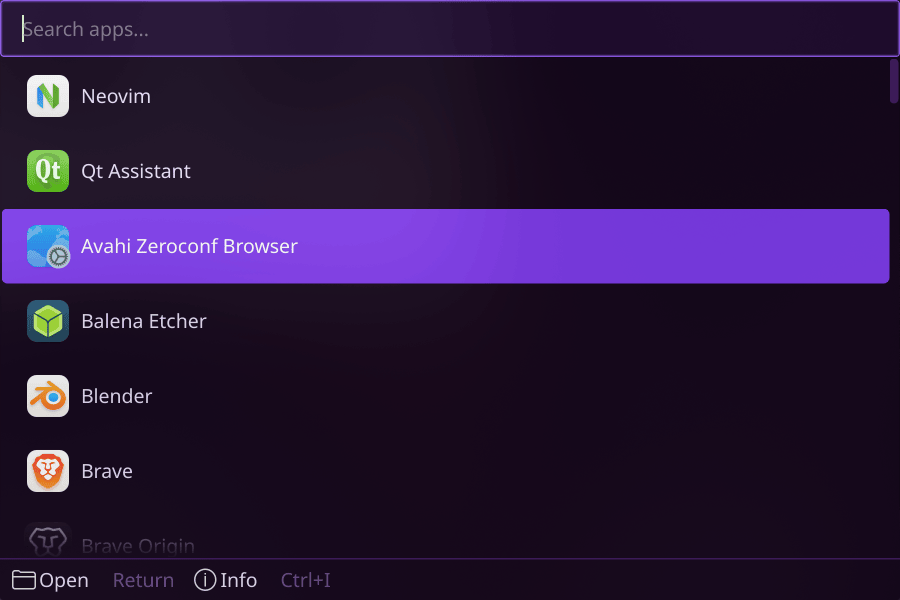
How to use it:
$ zenkai --theme=gohan
goku
Dark blue + orange DBZ
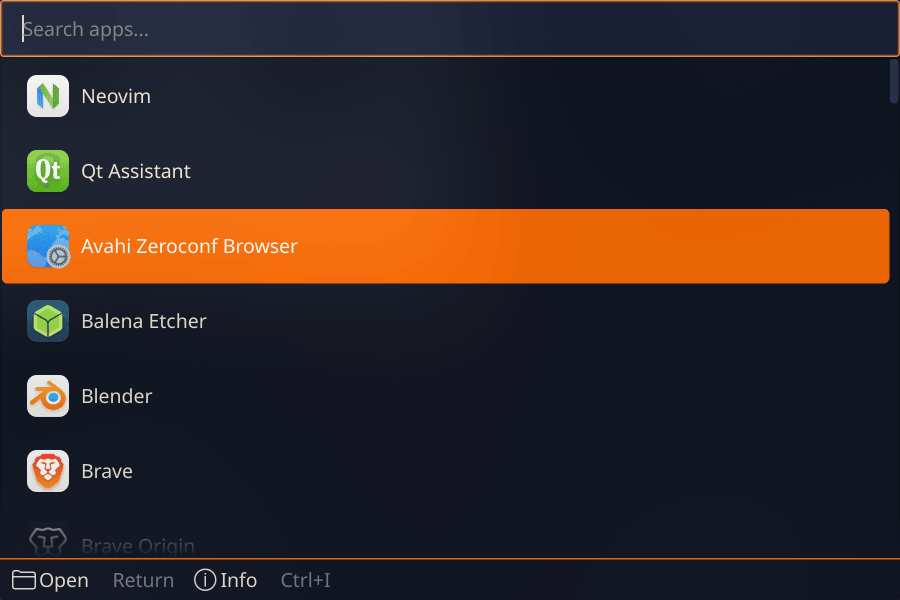
How to use it:
$ zenkai --theme=goku
adwaita
Light GNOME
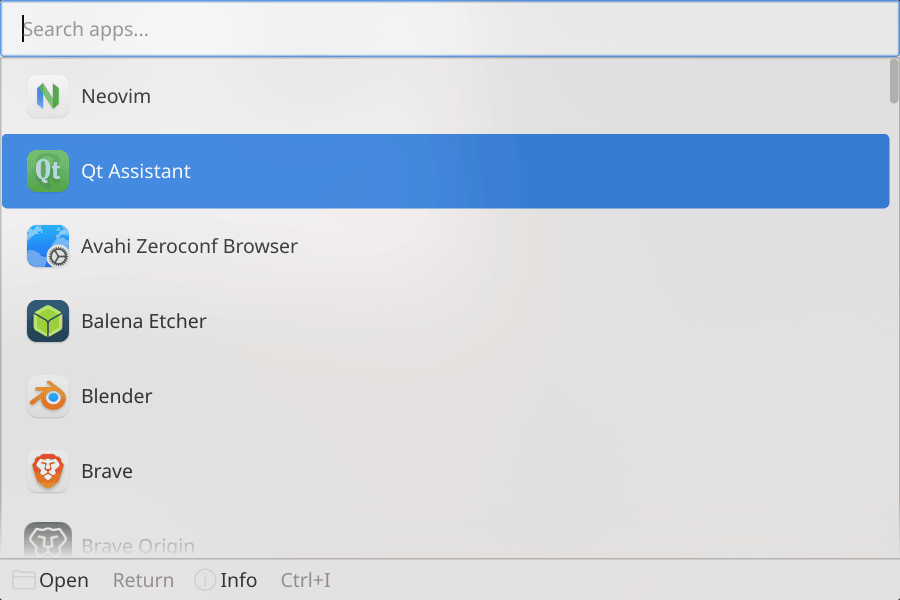
How to use it:
$ zenkai --theme=adwaita
adwaita-dark
Dark GNOME
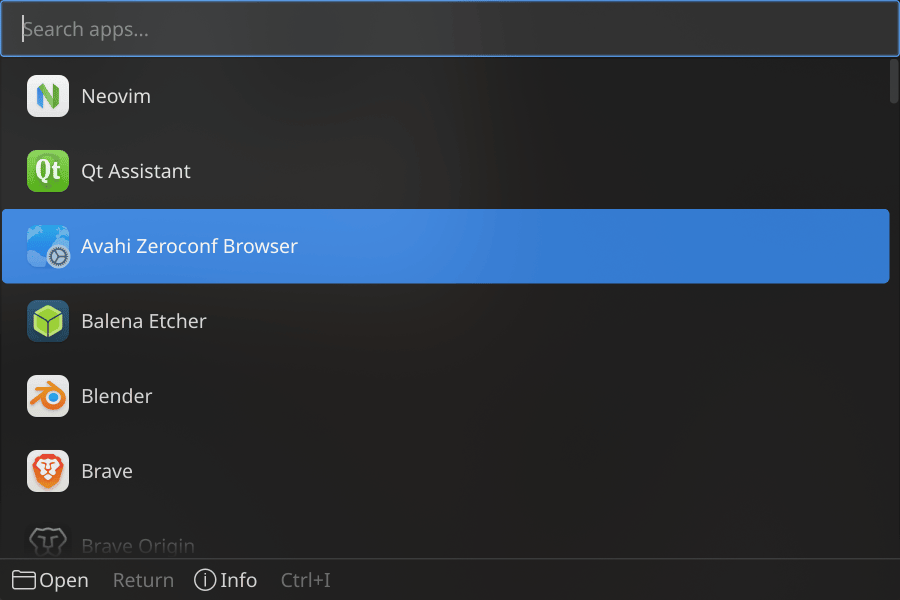
How to use it:
$ zenkai --theme=adwaita-dark
gruvbox
Warm earthy retro
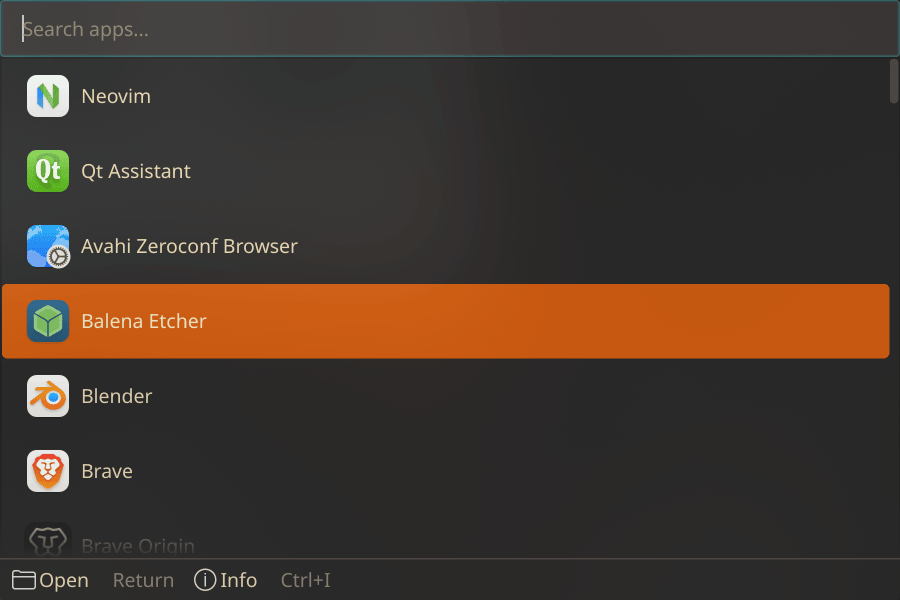
How to use it:
$ zenkai --theme=gruvbox
high-contrast
Bold high contrast
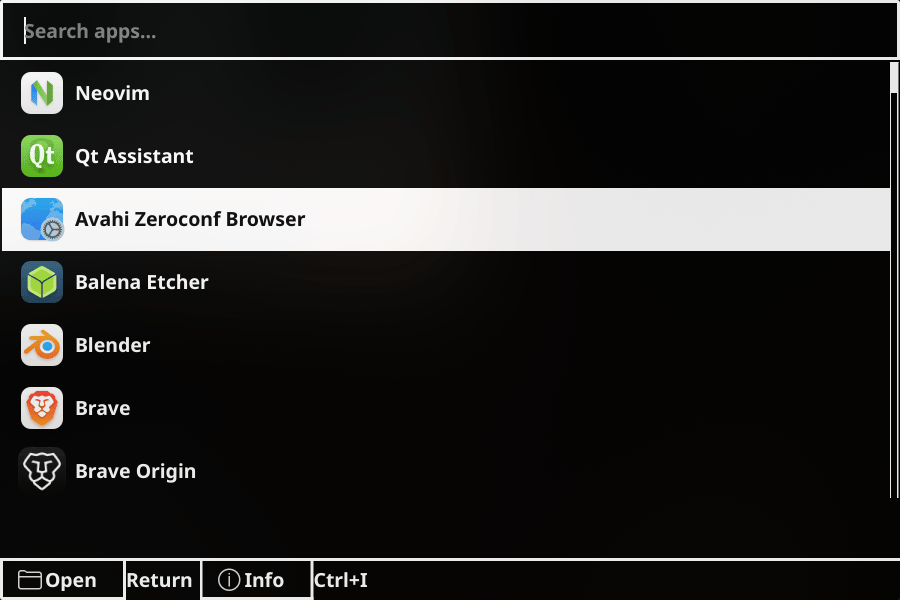
How to use it:
$ zenkai --theme=high-contrast
high-contrast-dark
Bold dark high contrast
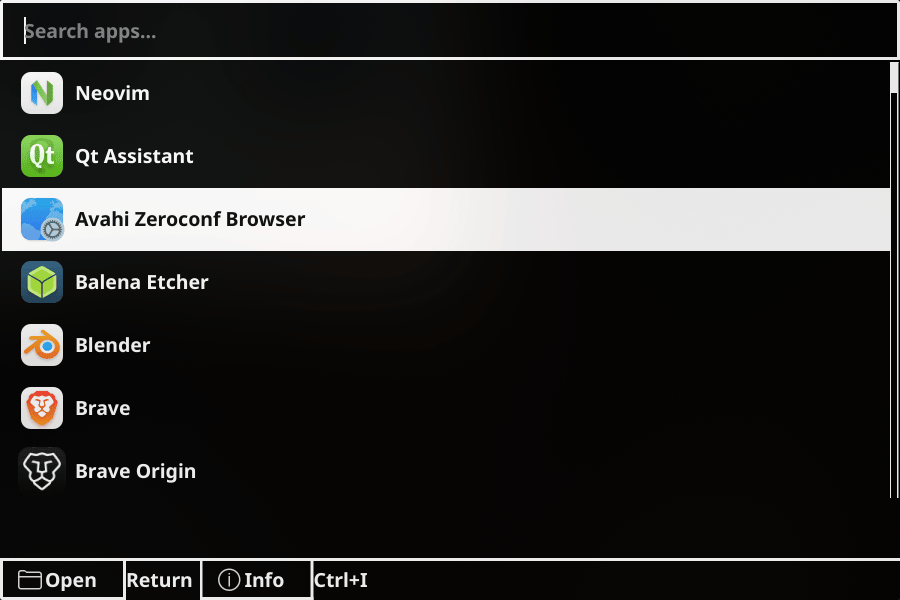
How to use it:
$ zenkai --theme=high-contrast-dark
high-contrast-light
Bold light high contrast
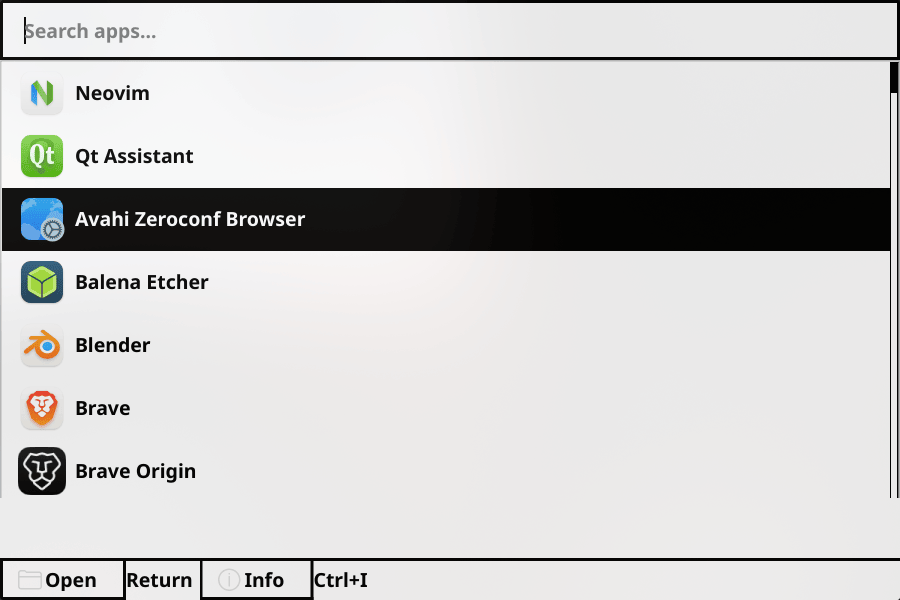
How to use it:
$ zenkai --theme=high-contrast-light
kanagawa
Calm dark cyan wave
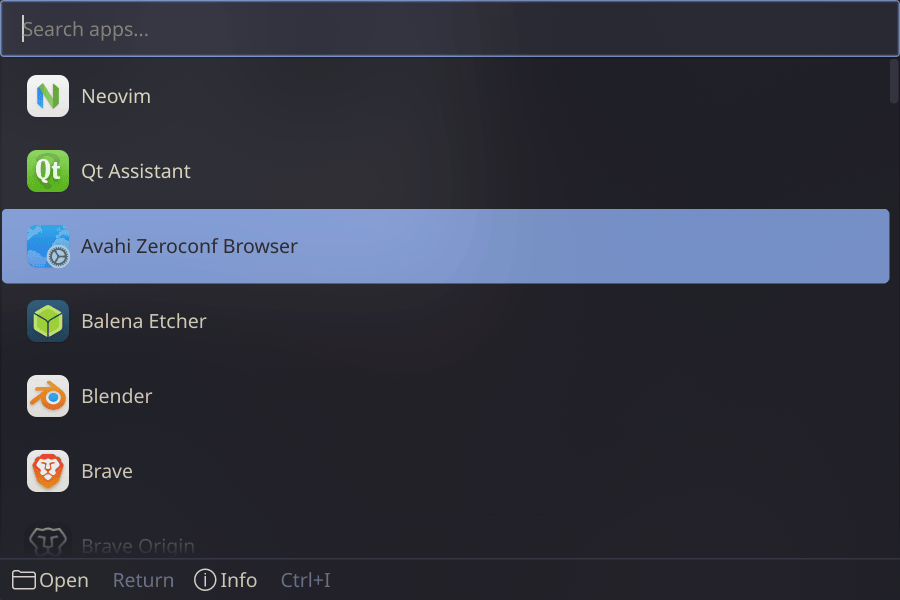
How to use it:
$ zenkai --theme=kanagawa
kanagawa-dragon
Earthy muted kanagawa
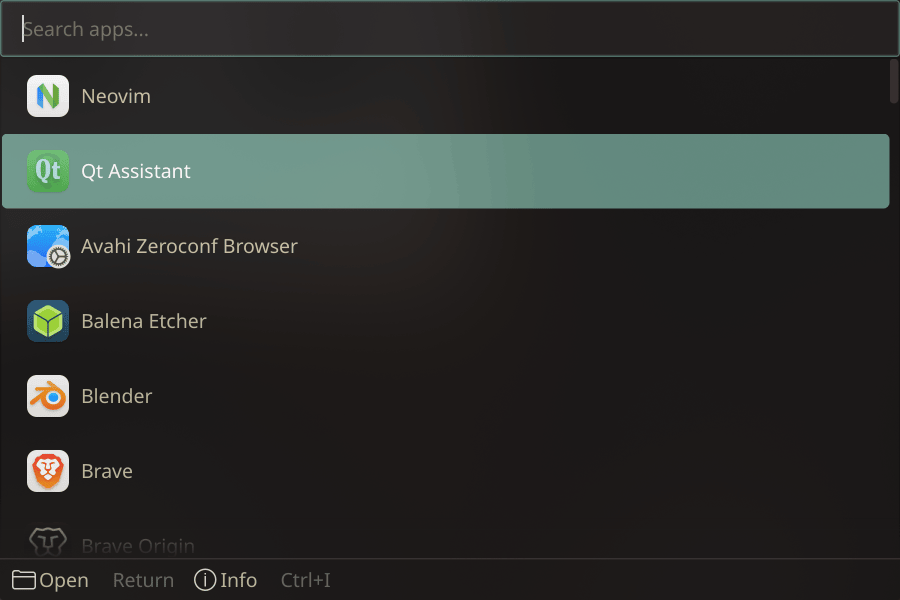
How to use it:
$ zenkai --theme=kanagawa-dragon
kanagawa-lotus
Warm cream kanagawa light
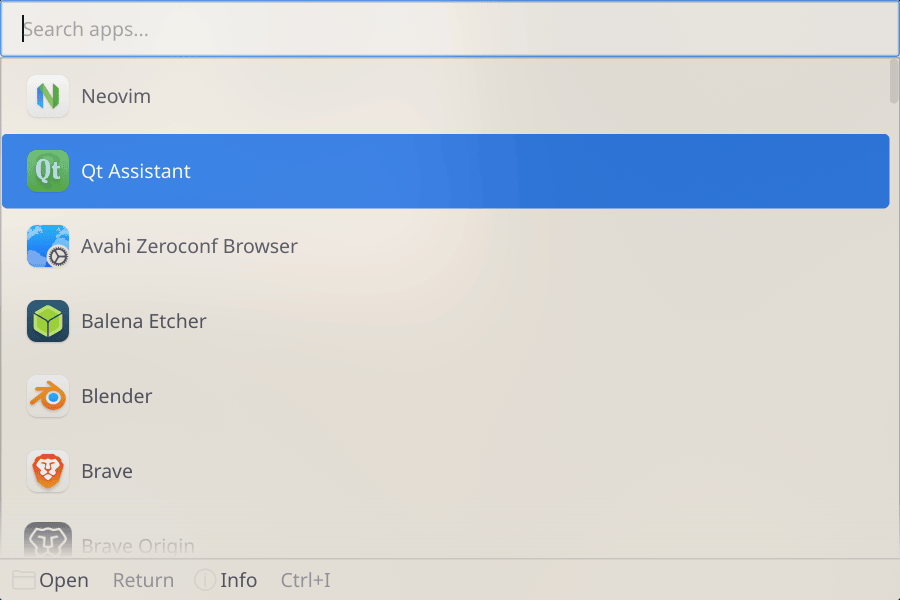
How to use it:
$ zenkai --theme=kanagawa-lotus
launchpad
Dark macOS-style launcher
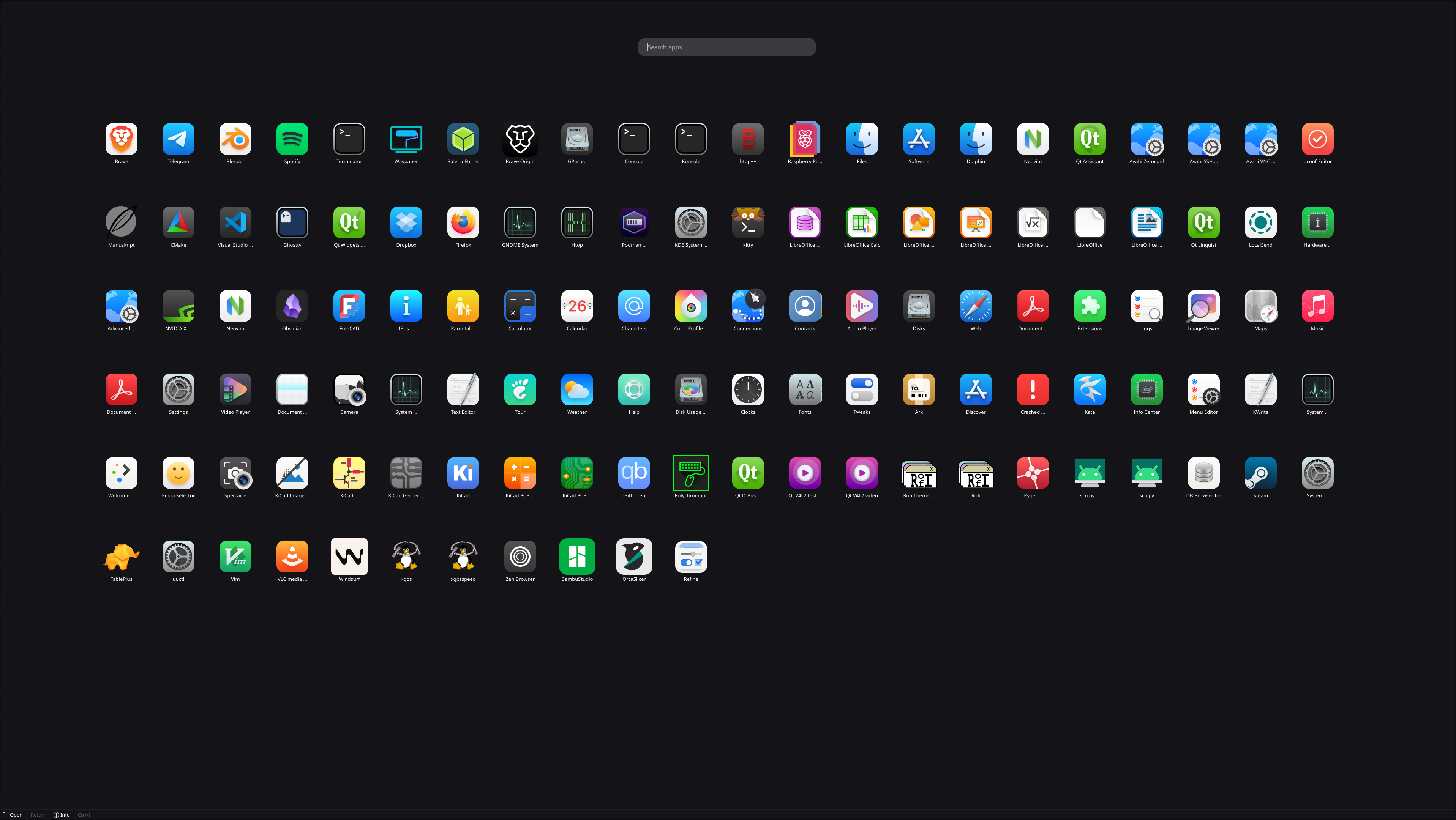
How to use it:
$ zenkai --theme=launchpad
light
Catppuccin Latte light
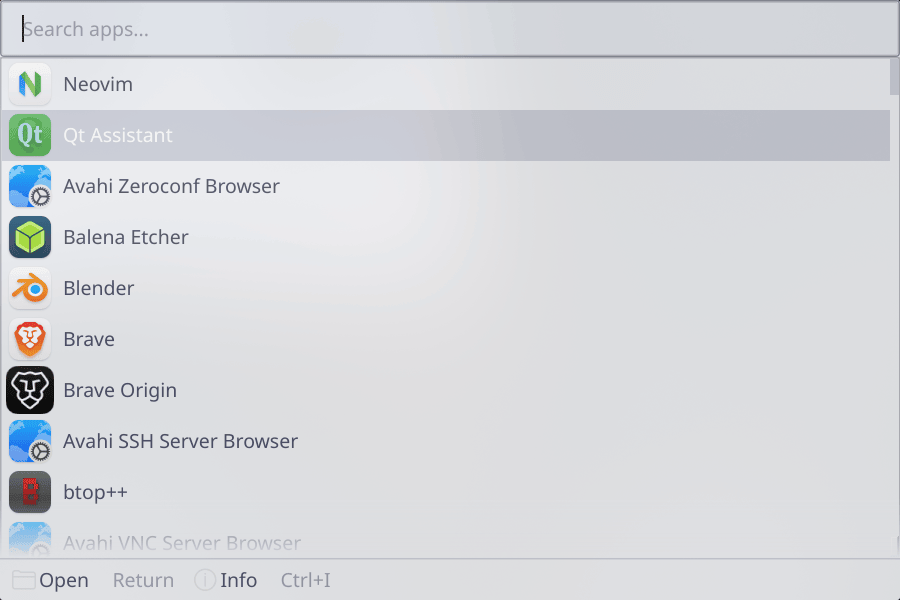
How to use it:
$ zenkai --theme=light
material
Material Design teal/purple
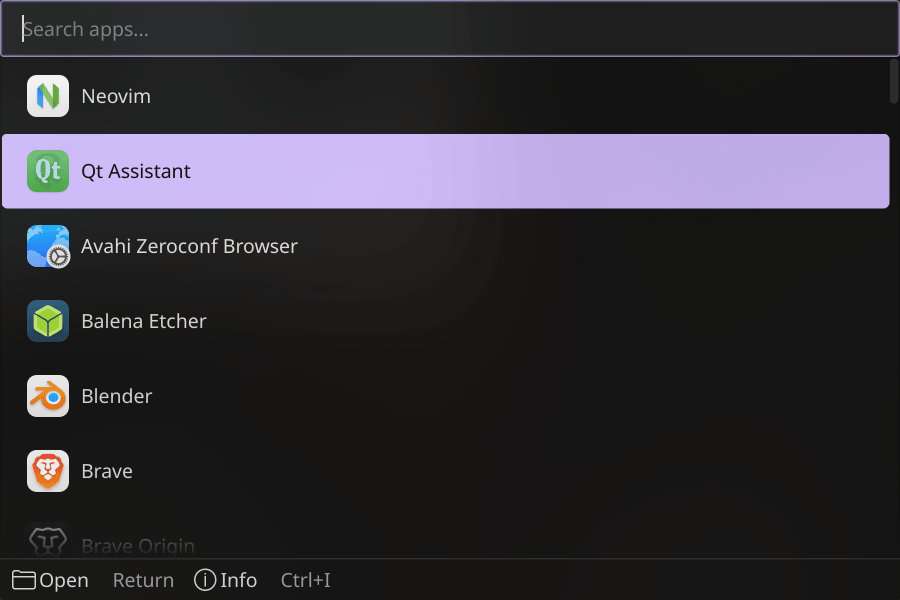
How to use it:
$ zenkai --theme=material
matrix
Green matrix rain
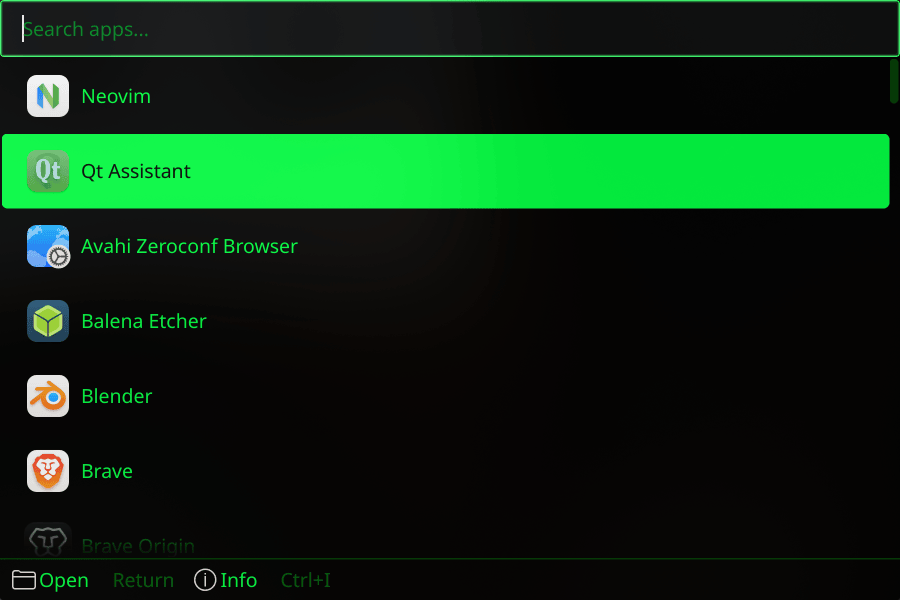
How to use it:
$ zenkai --theme=matrix
minimal
Clean minimal dark
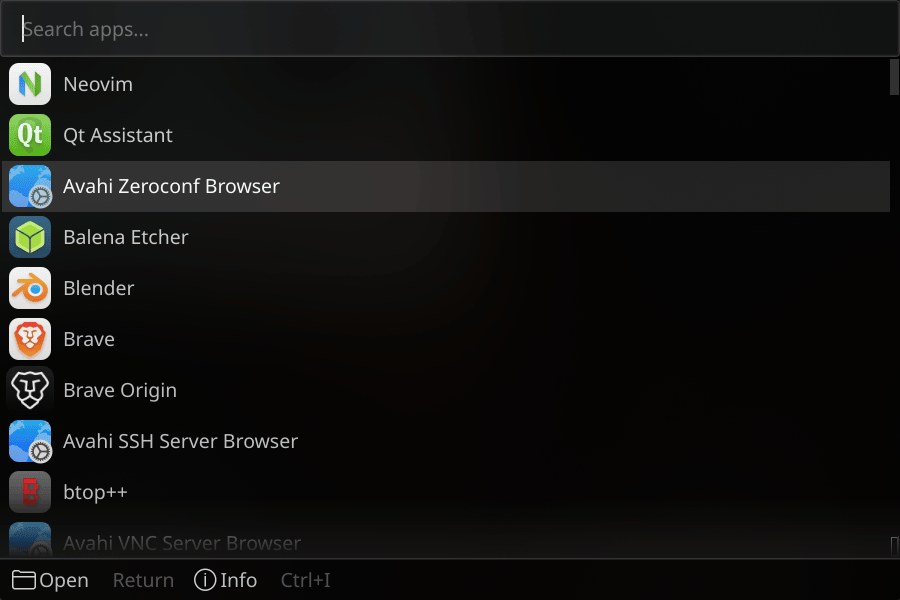
How to use it:
$ zenkai --theme=minimal
minimal-light
Clean light minimal
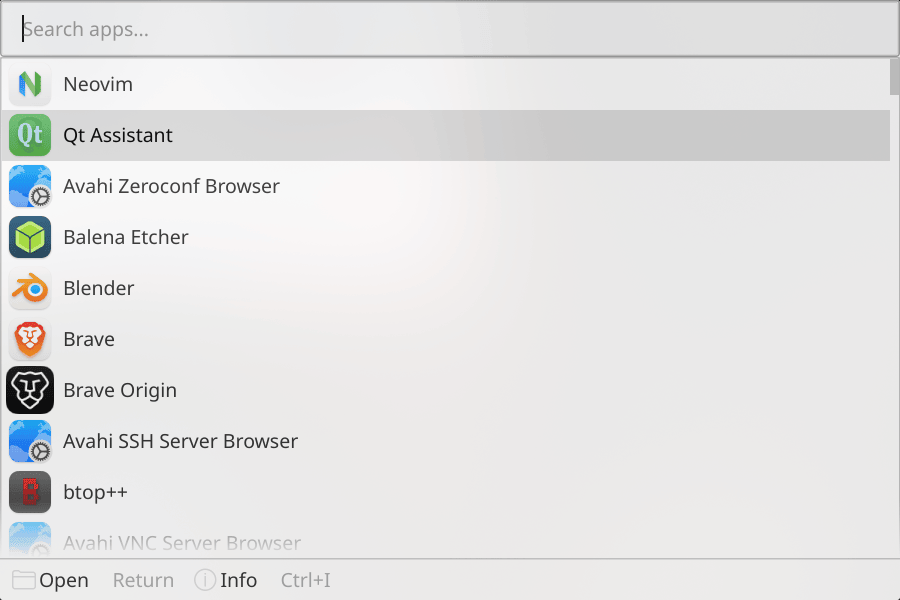
How to use it:
$ zenkai --theme=minimal-light
monokai
Vibrant saturated dark
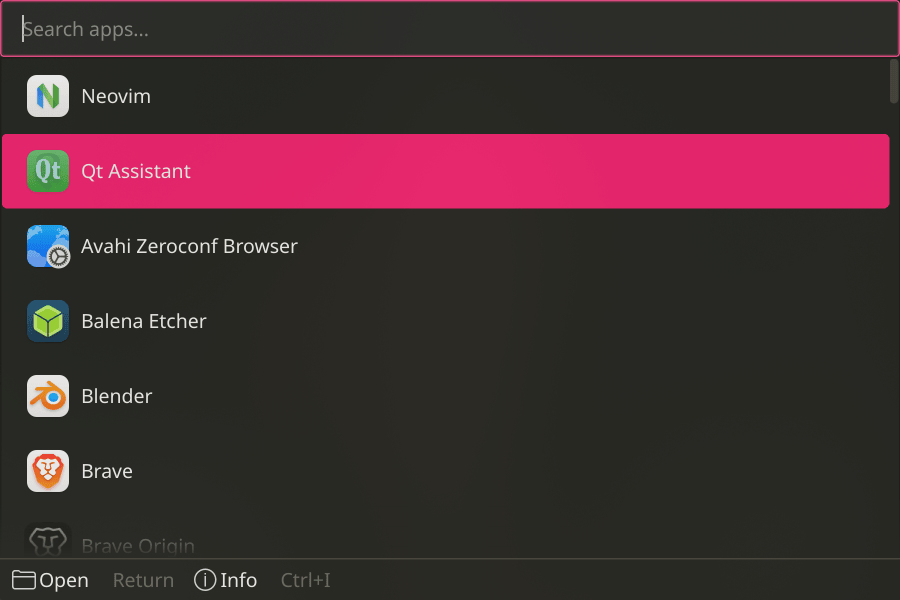
How to use it:
$ zenkai --theme=monokai
monokai-pro
Balanced monokai
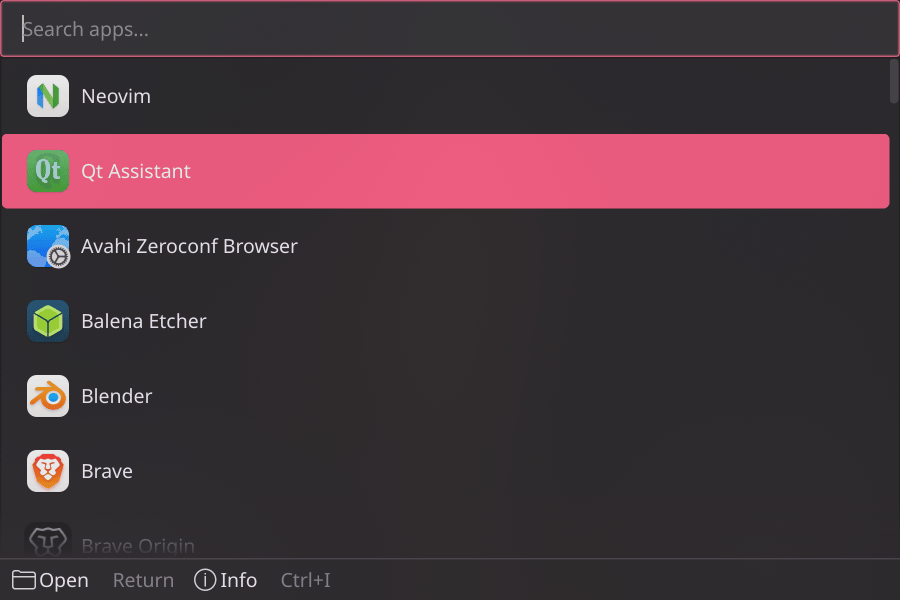
How to use it:
$ zenkai --theme=monokai-pro
night-owl
Owl-inspired dark
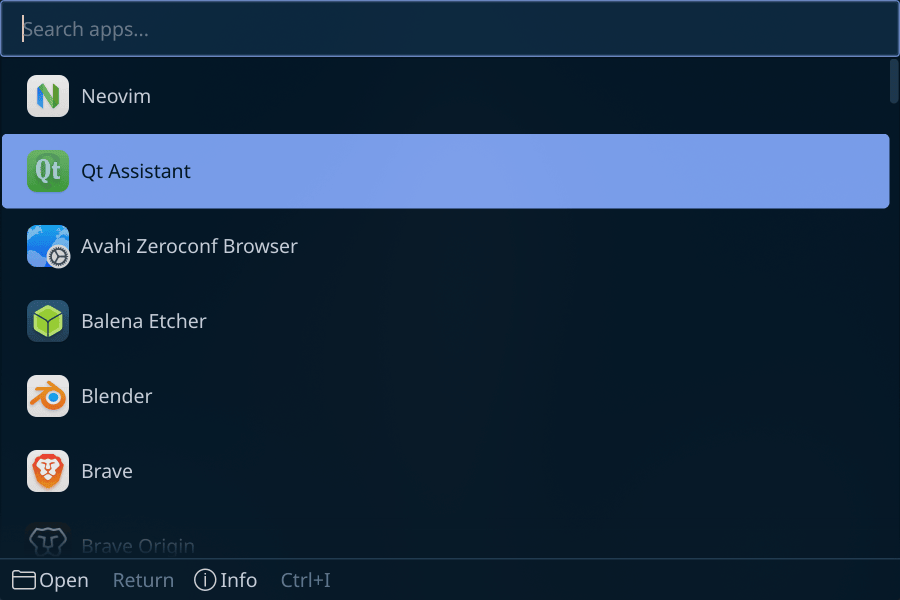
How to use it:
$ zenkai --theme=night-owl
noctis
Deep blue-gray night
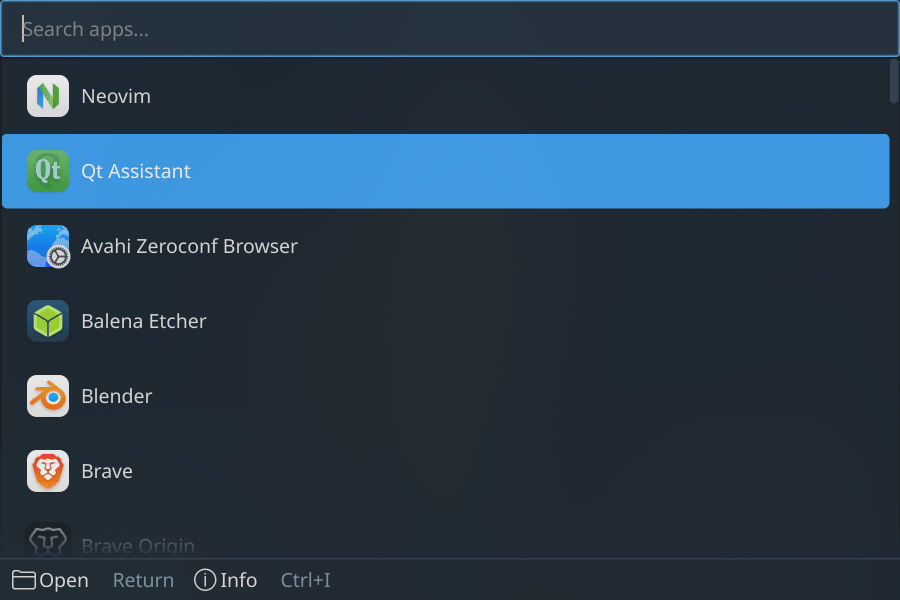
How to use it:
$ zenkai --theme=noctis
nord
Frosty blue arctic
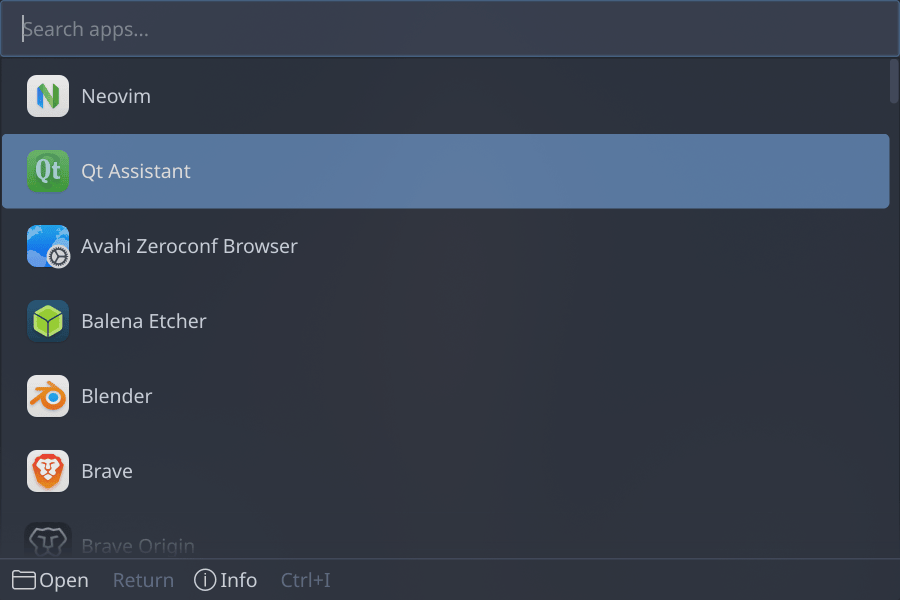
How to use it:
$ zenkai --theme=nord
one-dark
Atom's signature dark
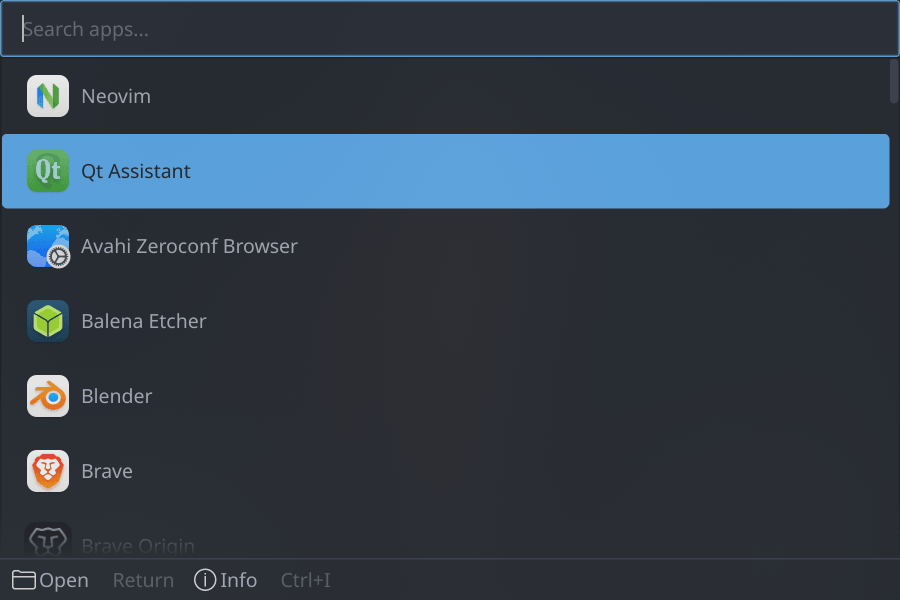
How to use it:
$ zenkai --theme=one-dark
one-light
Atom light
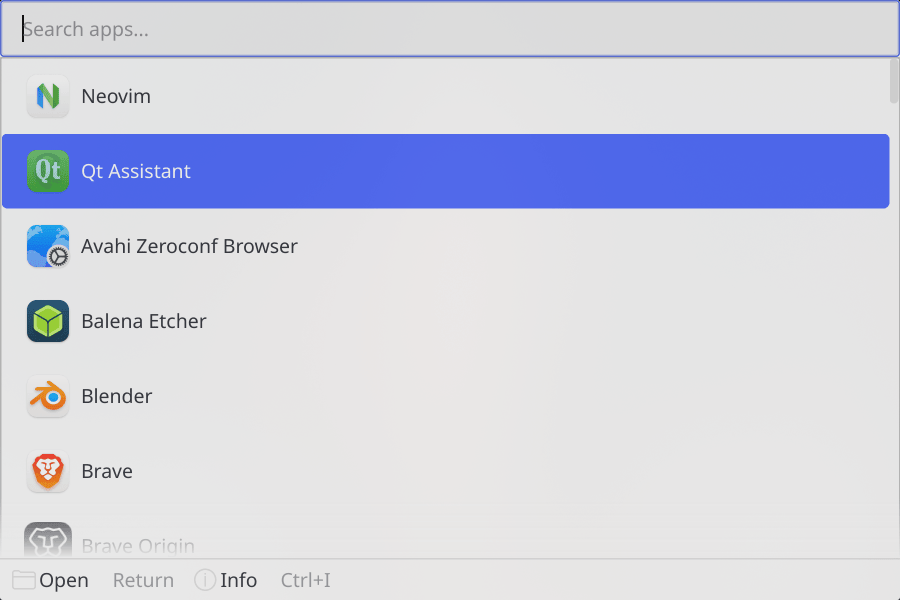
How to use it:
$ zenkai --theme=one-light
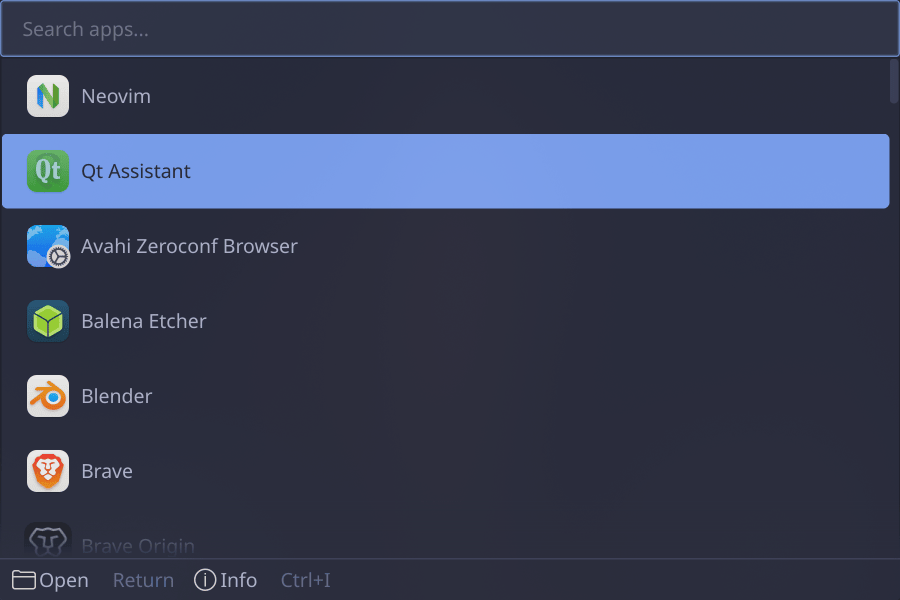
palenight
Material Palenight
How to use it:
$ zenkai --theme=palenight
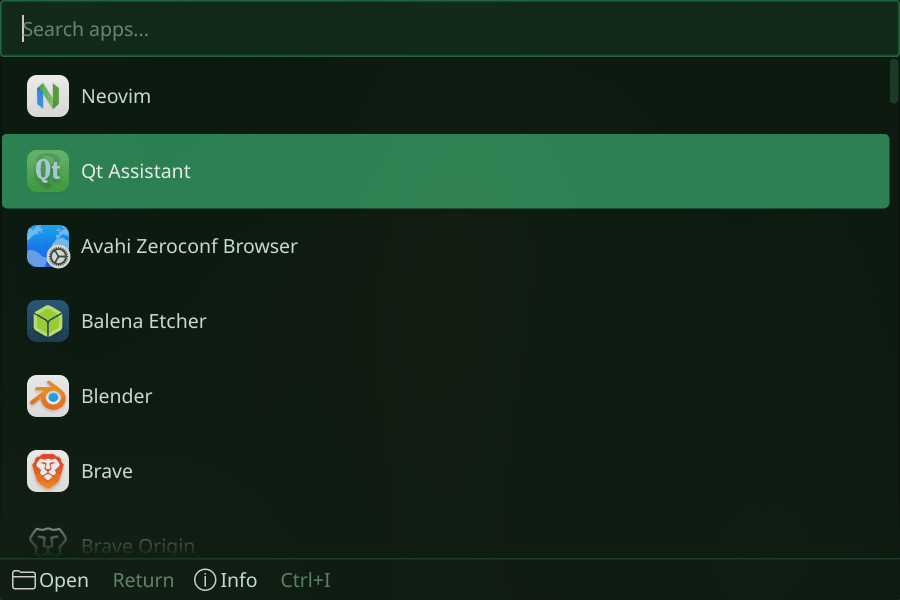
piccolo
Namekian guardian green
How to use it:
$ zenkai --theme=piccolo
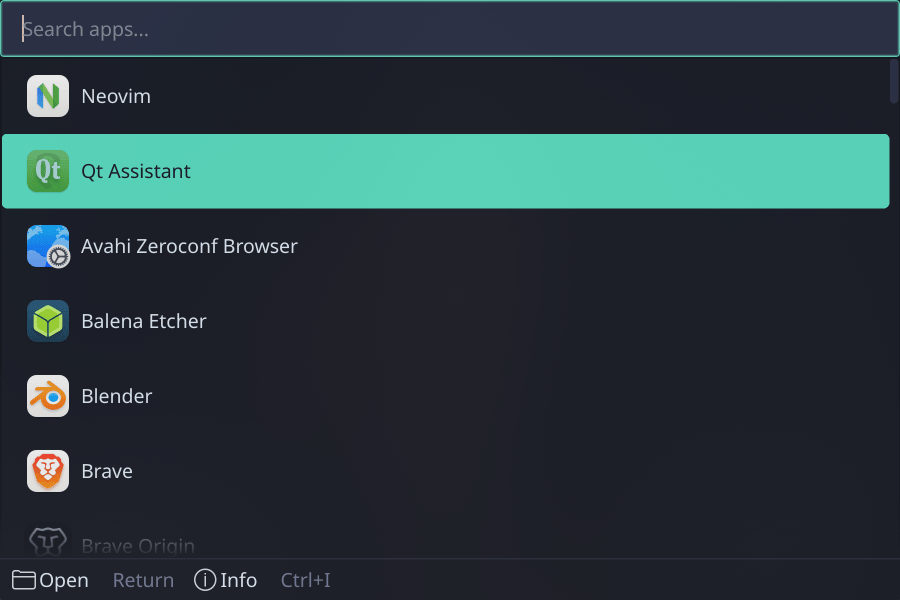
poimandres
Teal/blue creative dark
How to use it:
$ zenkai --theme=poimandres
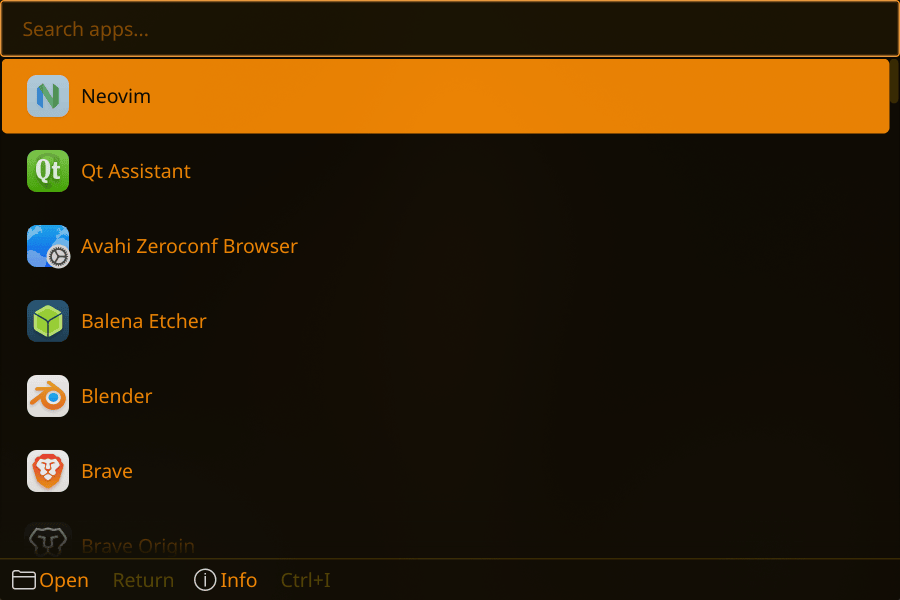
retro
Amber CRT phosphor
How to use it:
$ zenkai --theme=retro
rose-pine
Rosy pine forest
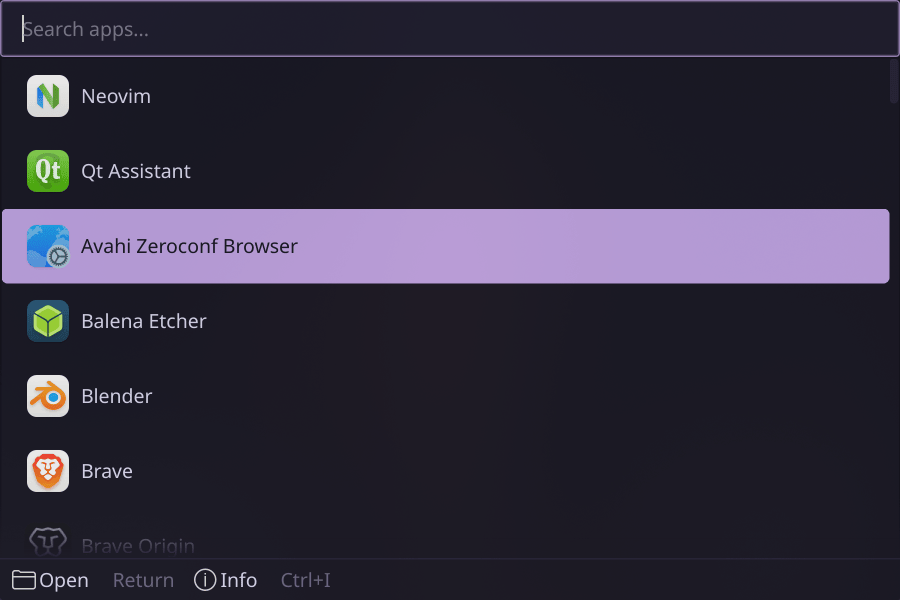
How to use it:
$ zenkai --theme=rose-pine
rose-pine-dawn
Light rose pine
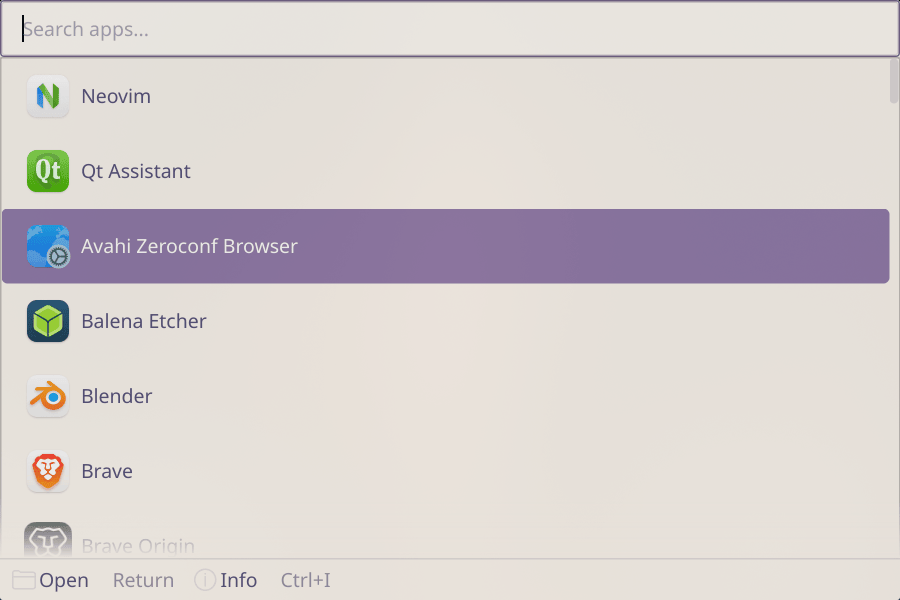
How to use it:
$ zenkai --theme=rose-pine-dawn
shades-of-purple
Deep purple
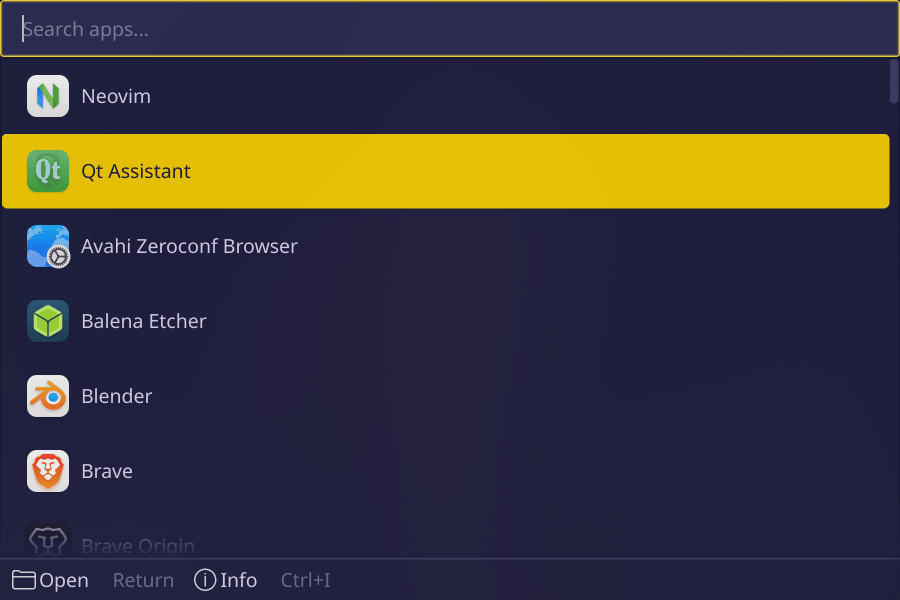
How to use it:
$ zenkai --theme=shades-of-purple
solarized-dark
Warm amber scientific
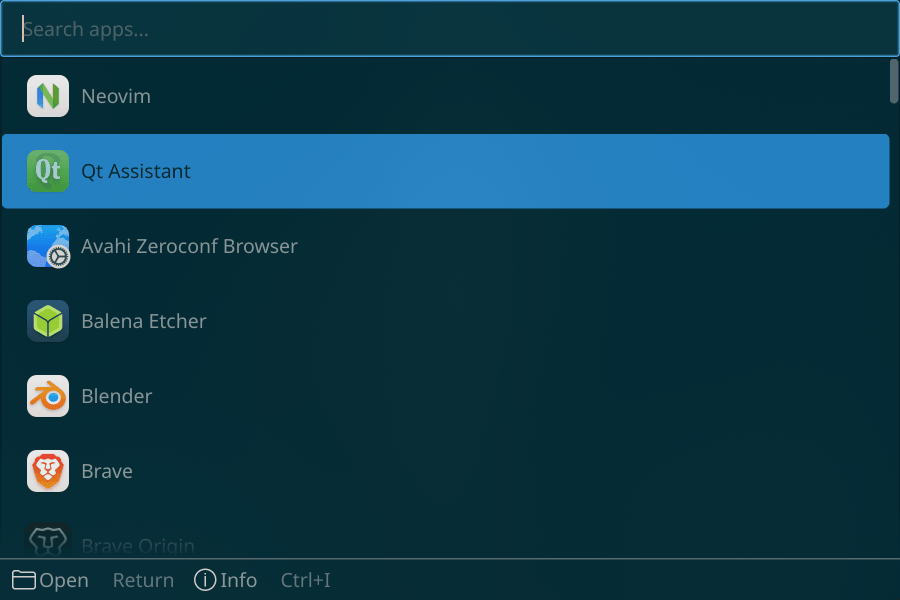
How to use it:
$ zenkai --theme=solarized-dark
solarized-light
Scientific light
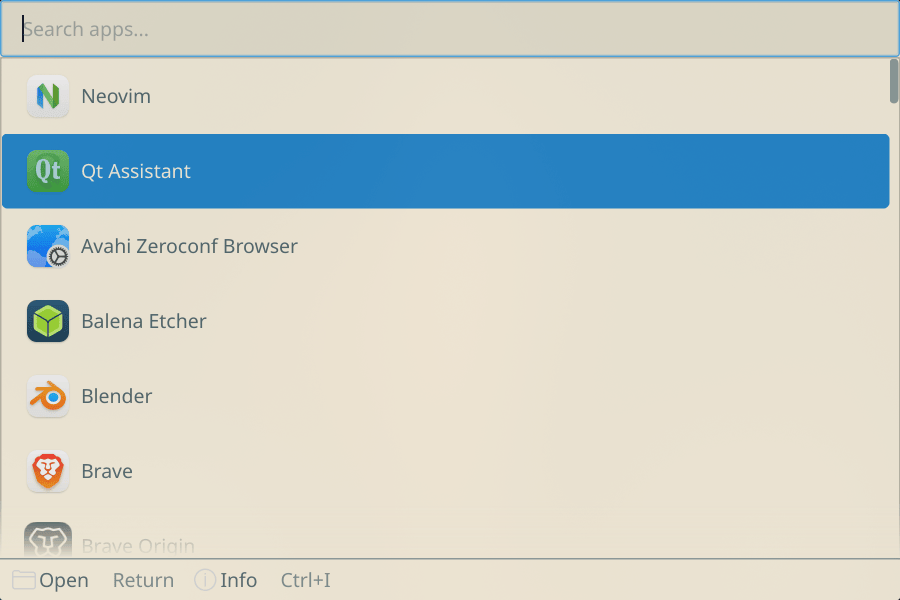
How to use it:
$ zenkai --theme=solarized-light
spacegray
Xcode gray dark
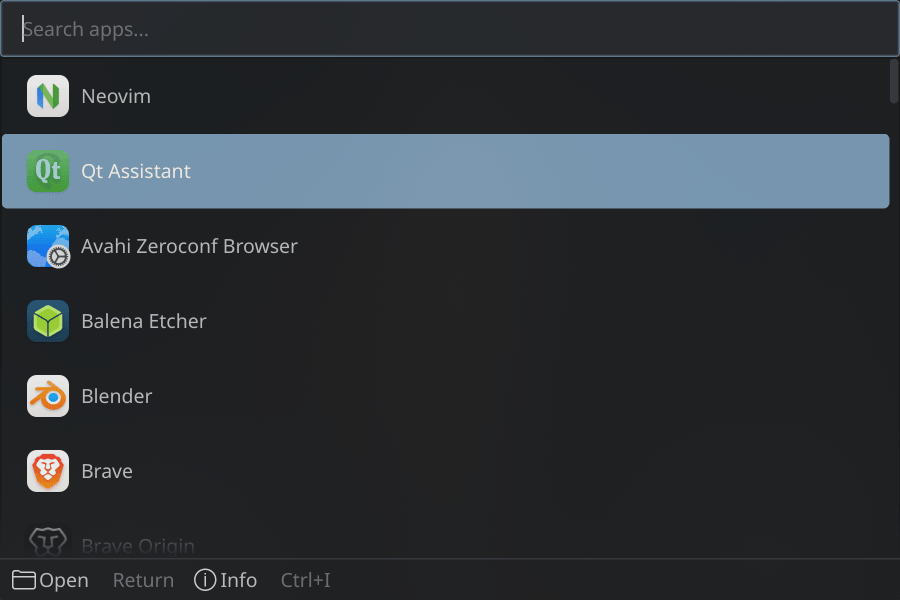
How to use it:
$ zenkai --theme=spacegray
sweet
Purple/pink candy
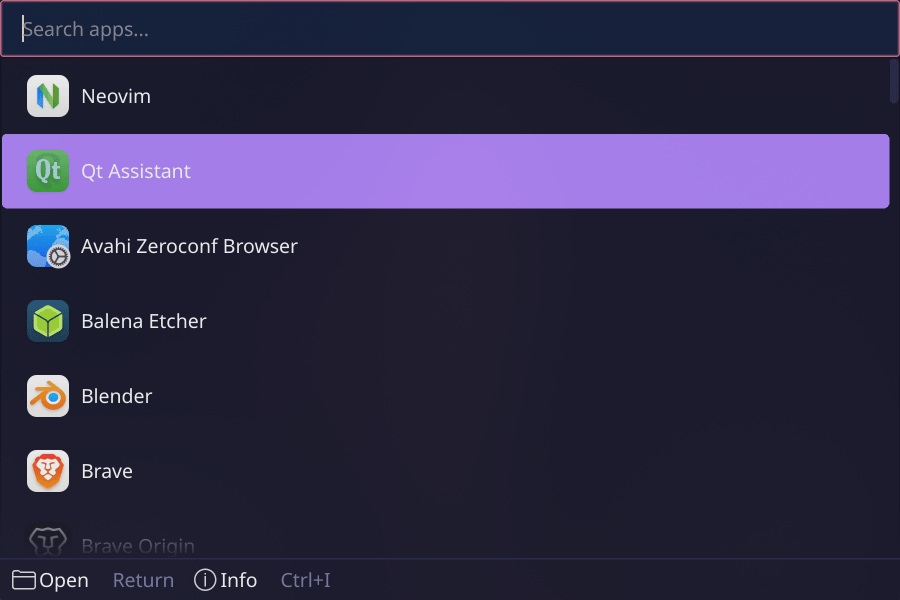
How to use it:
$ zenkai --theme=sweet
synthwave84
Neon retro synthwave
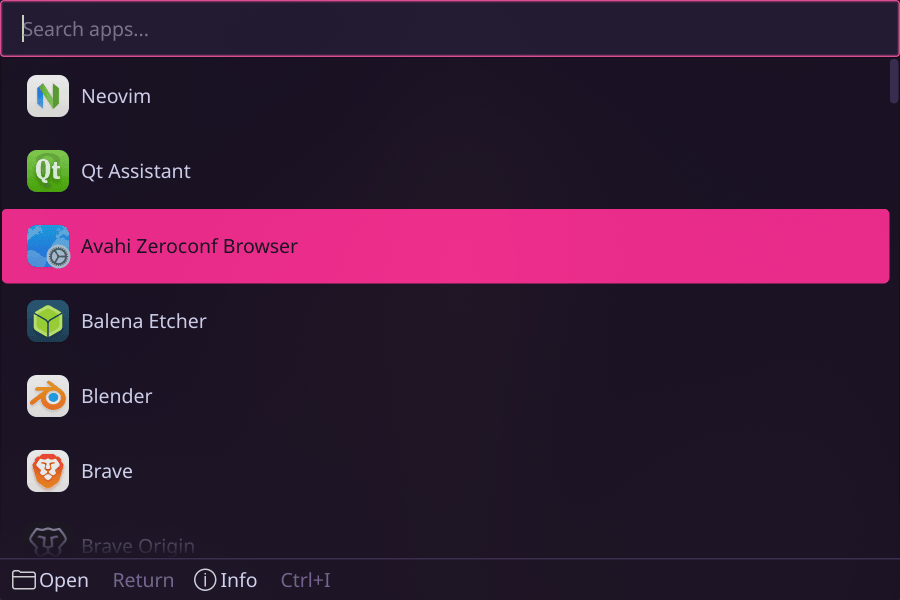
How to use it:
$ zenkai --theme=synthwave84
tien
Terracotta + Tri-Beam green
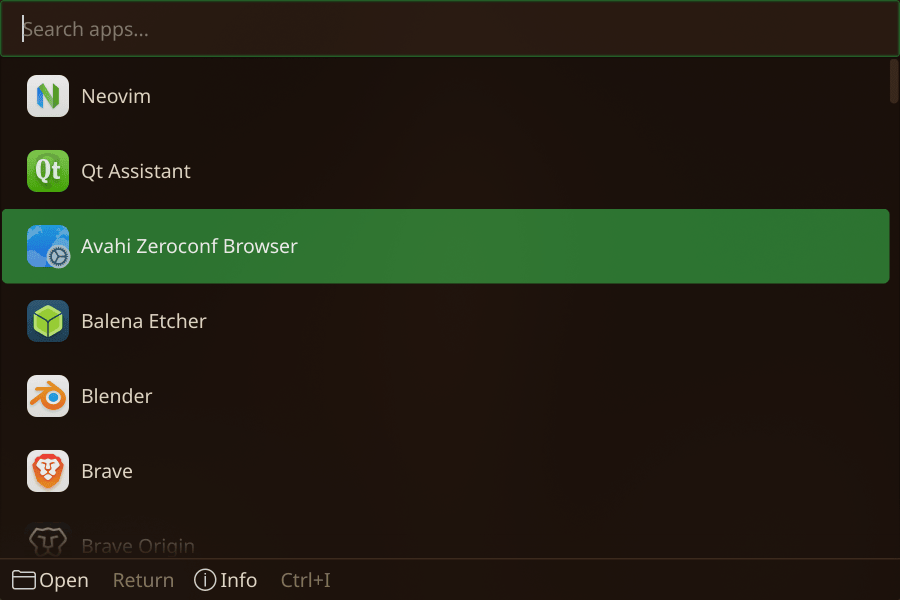
How to use it:
$ zenkai --theme=tien
tokyonight
Deep blue night
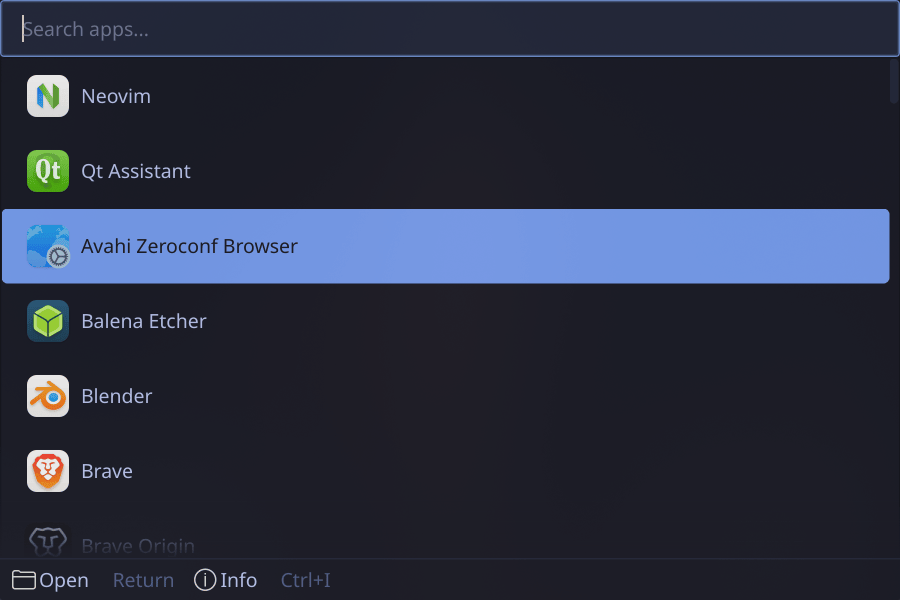
How to use it:
$ zenkai --theme=tokyonight
tokyo-night-light
Light Tokyo day
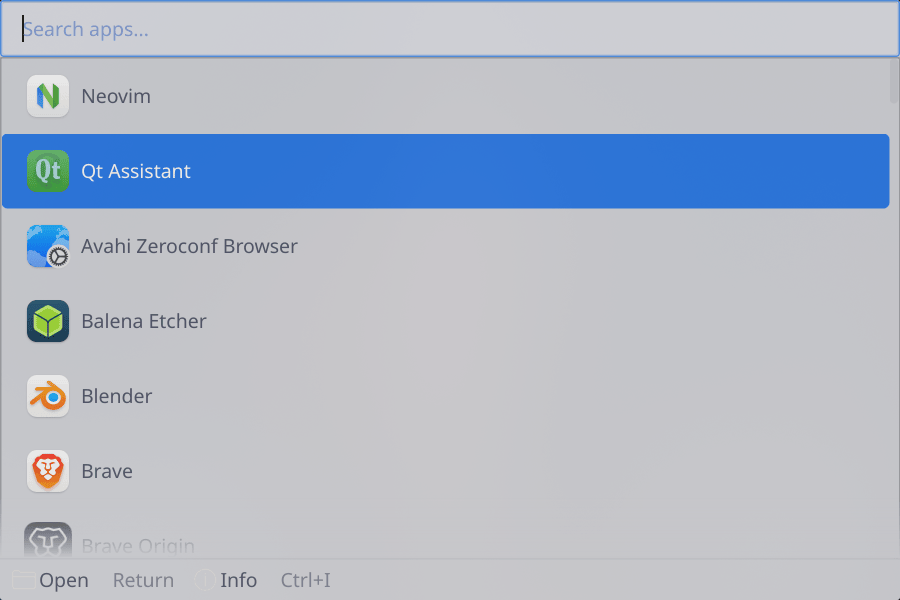
How to use it:
$ zenkai --theme=tokyo-night-light
tokyo-night-moon
Purple Tokyo variant
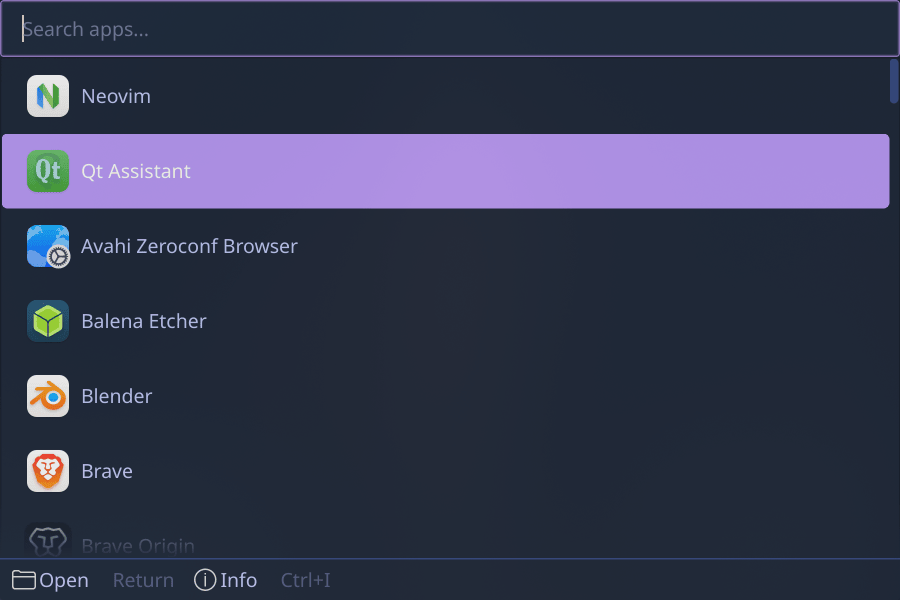
How to use it:
$ zenkai --theme=tokyo-night-moon
tokyo-night-storm
Blue Tokyo variant
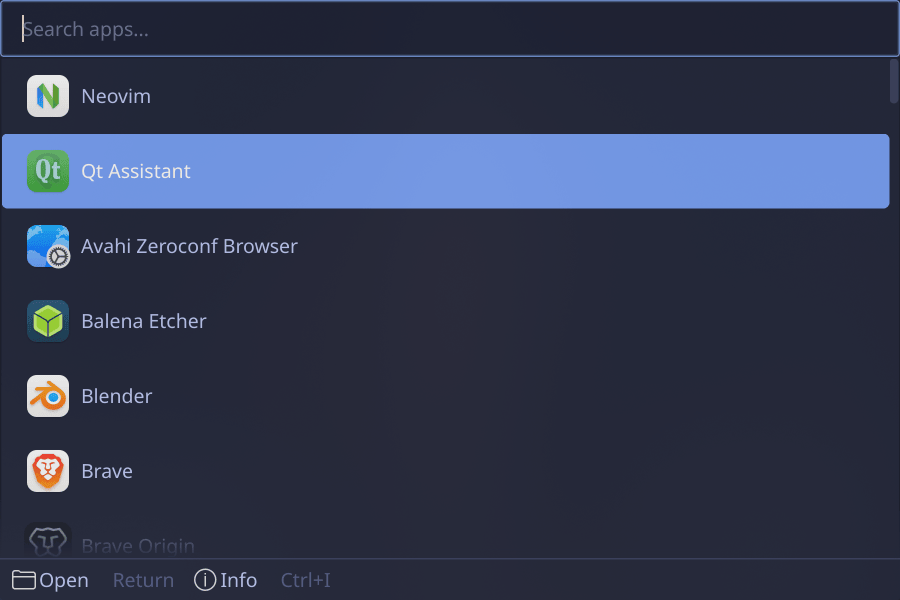
How to use it:
$ zenkai --theme=tokyo-night-storm
trunks
Lavender + Capsule Corp blue
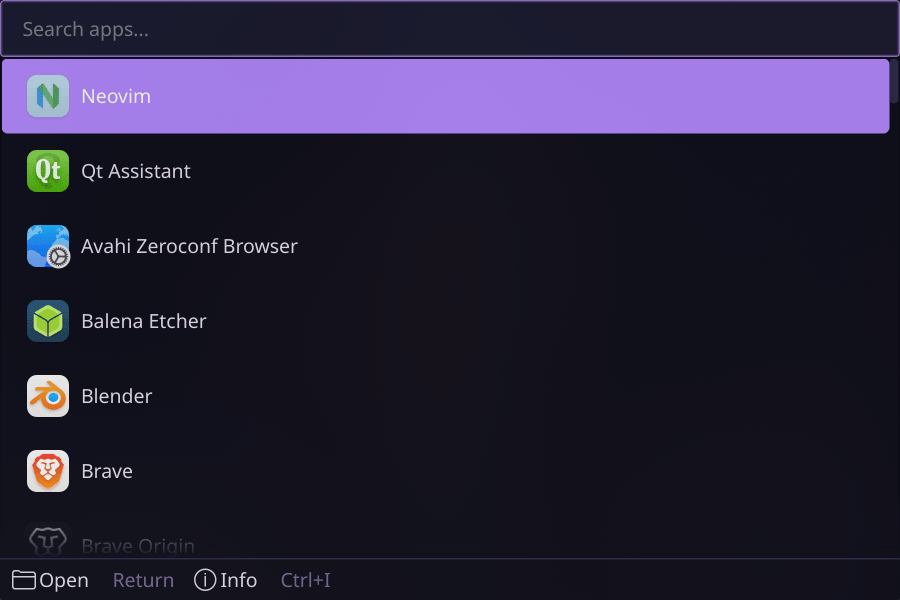
How to use it:
$ zenkai --theme=trunks
ubuntu
Warm light Ubuntu
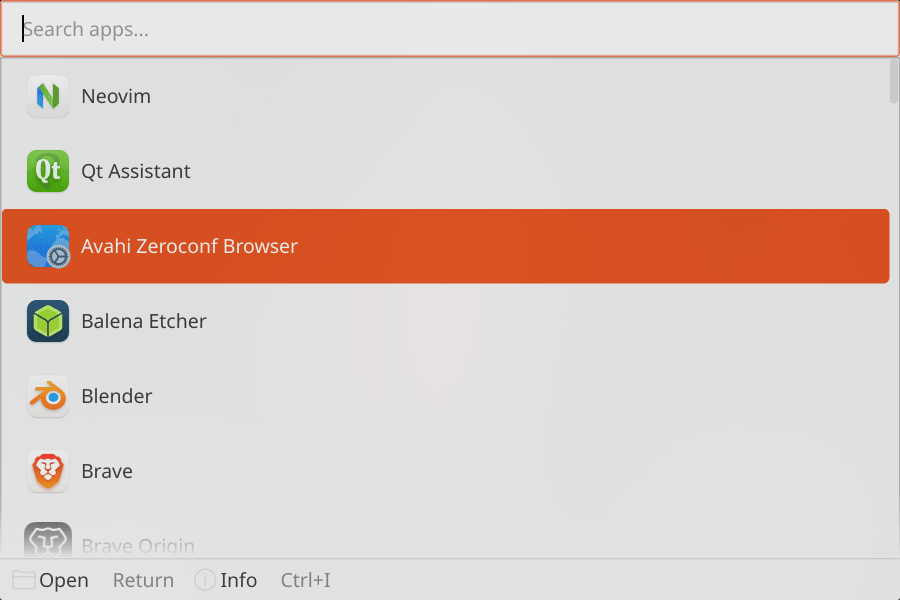
How to use it:
$ zenkai --theme=ubuntu
ubuntu-dark
Dark Yaru Ubuntu
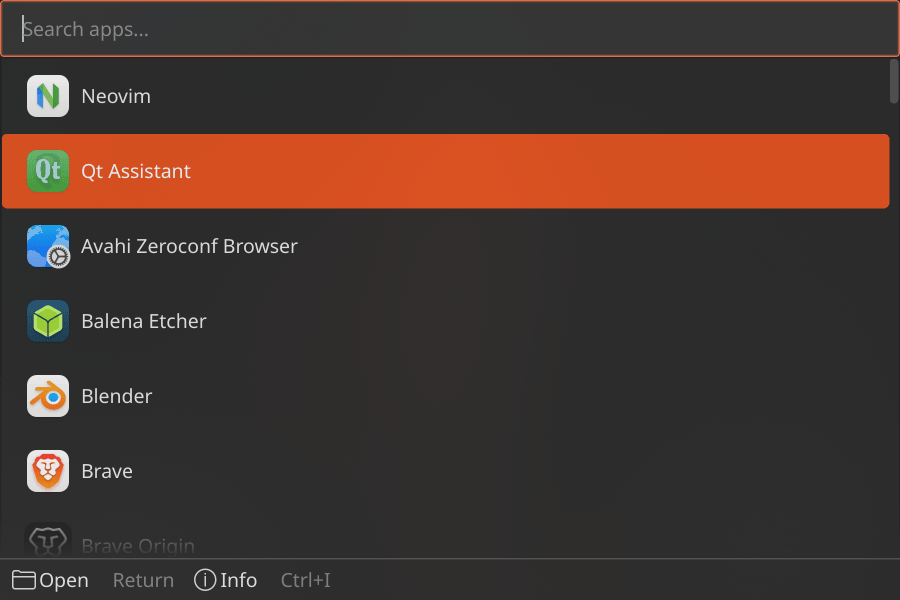
How to use it:
$ zenkai --theme=ubuntu-dark
vegeta
Royal blue Saiyan prince
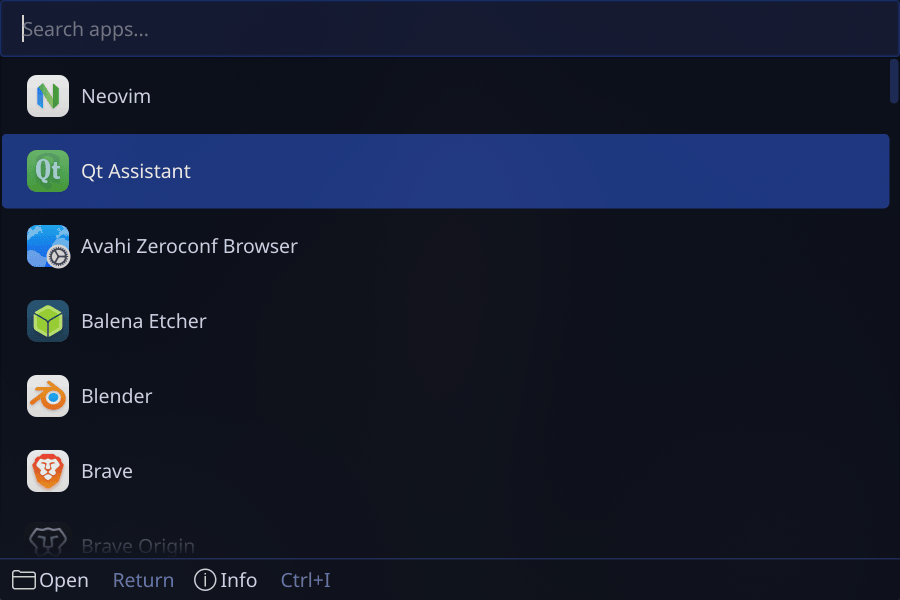
How to use it:
$ zenkai --theme=vegeta
win95
Classic Windows 95
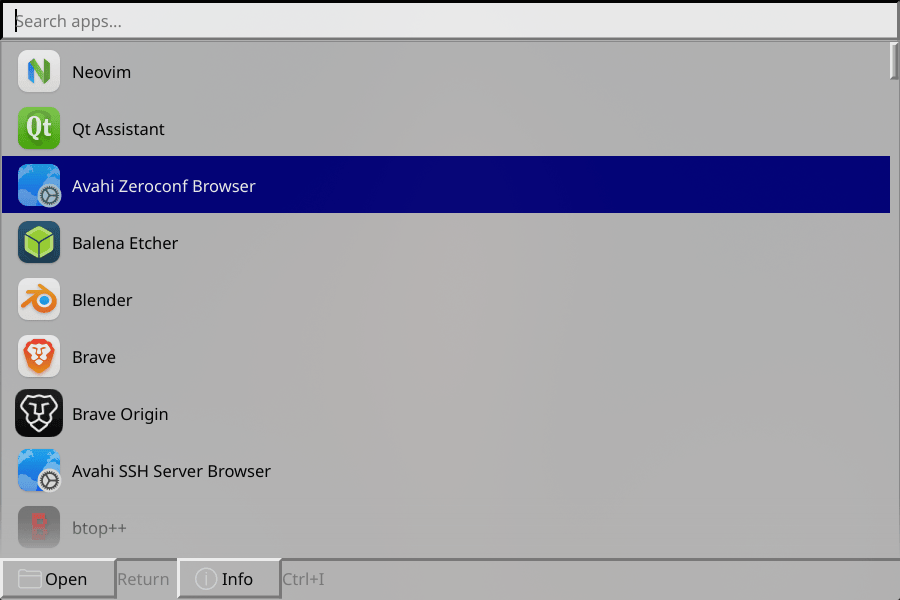
How to use it:
$ zenkai --theme=win95