Your whole desktop,
one keystroke away.
Zenkai is a fast, keyboard-first launcher. Open apps, jump between windows, browse and preview files, calculate and convert, all from one search bar. Native code, no Electron, nothing running in the background.
- ✓Window switching that works on Wayland: KDE Plasma, Hyprland and Sway, plus X11, Windows and macOS.
- ✓Actions on every result: Ctrl+K to snap a window, rename a file or copy a path.
- ✓About 30 ms to first paint, and around 34 MB of memory of its own.
 Open source · GPL-3.0No account, no telemetrymacOS & Windows: build from source
Open anything in a few keys
Fuzzy search finds the app you mean from a couple of letters, across .desktop files and Start Menu shortcuts.
Never hunt for a window again
Type win: and a few letters to jump to any open window, even on Wayland, then snap it into place.
Your files, without a file manager
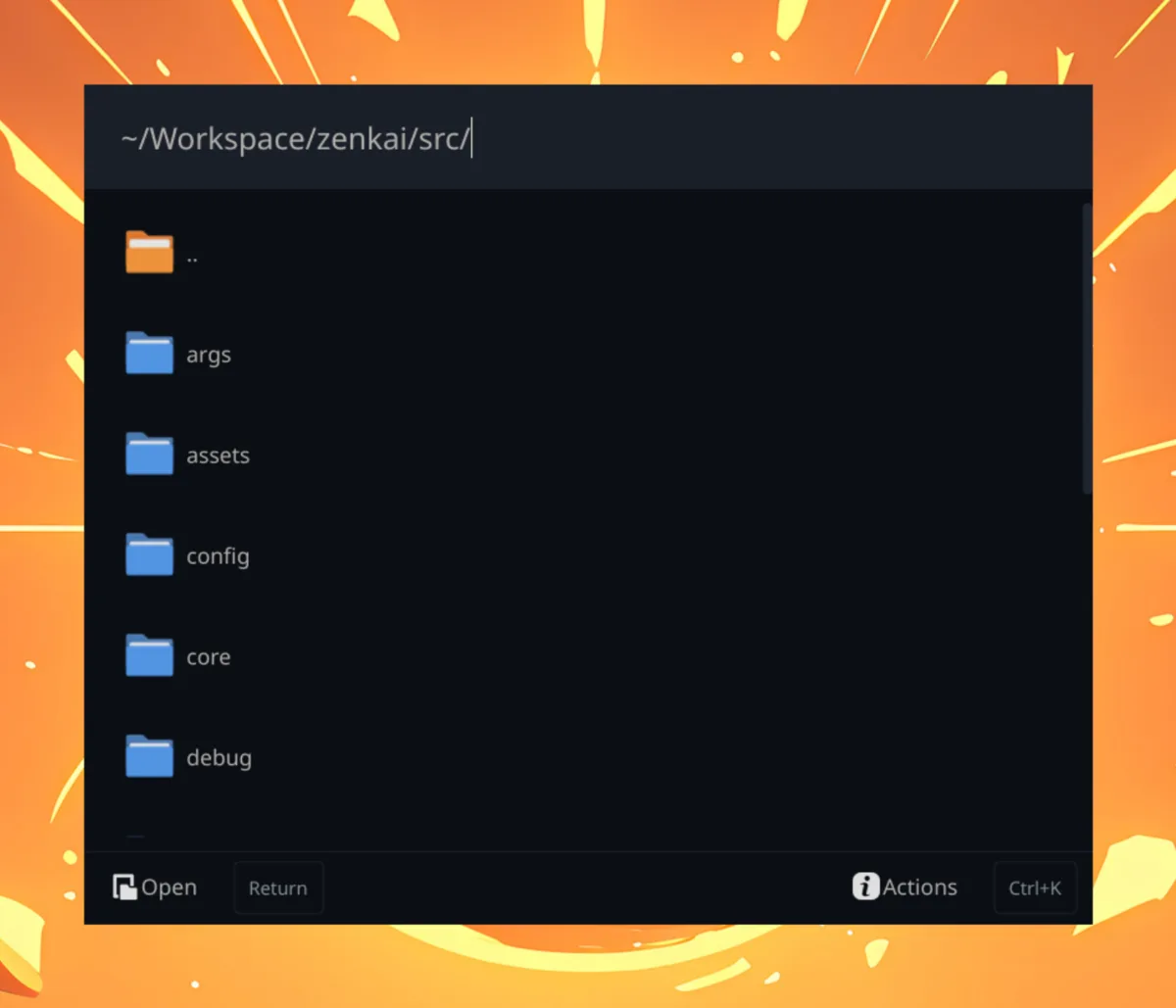
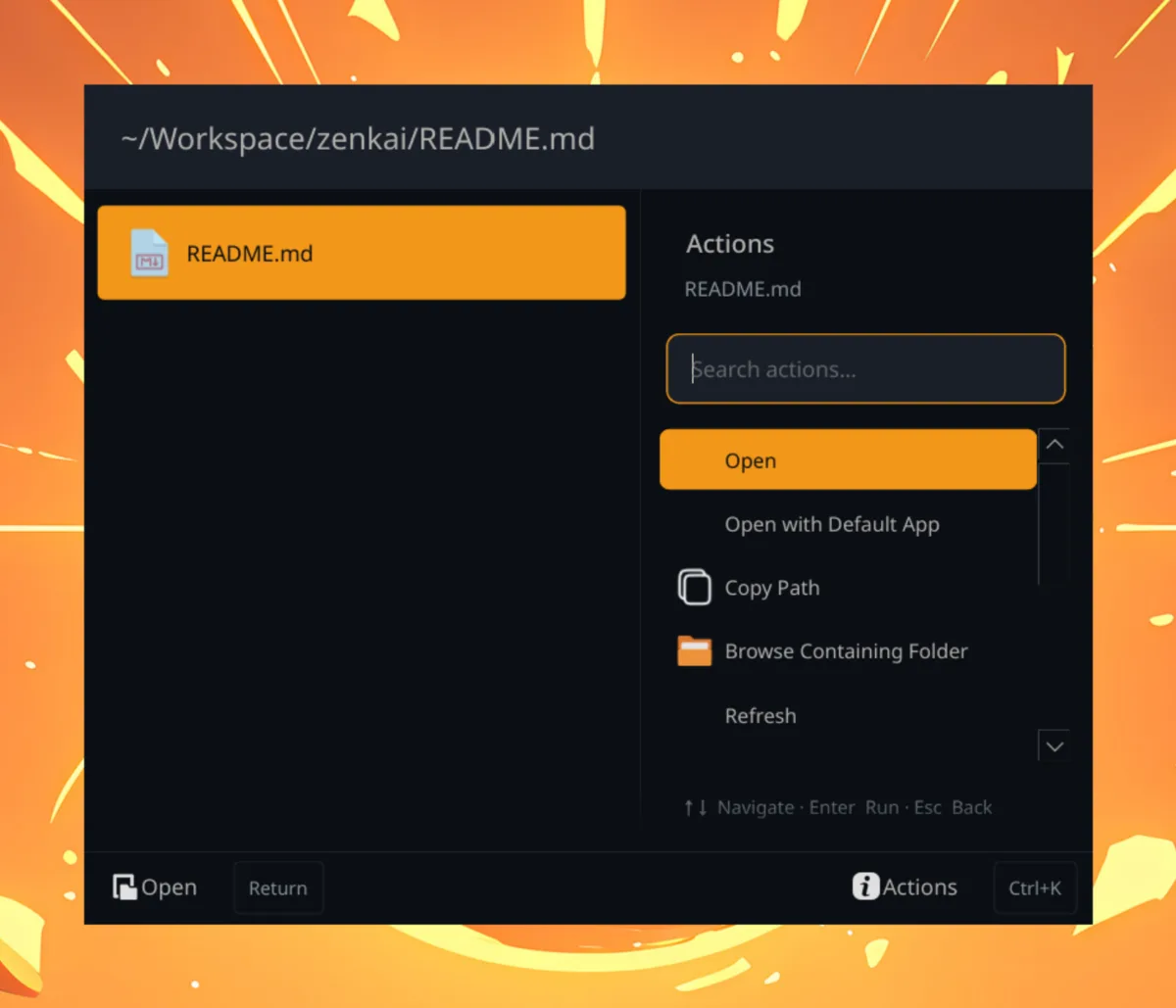
Browse folders, search filenames and preview text, code and images right from the search bar.
Do more than open things
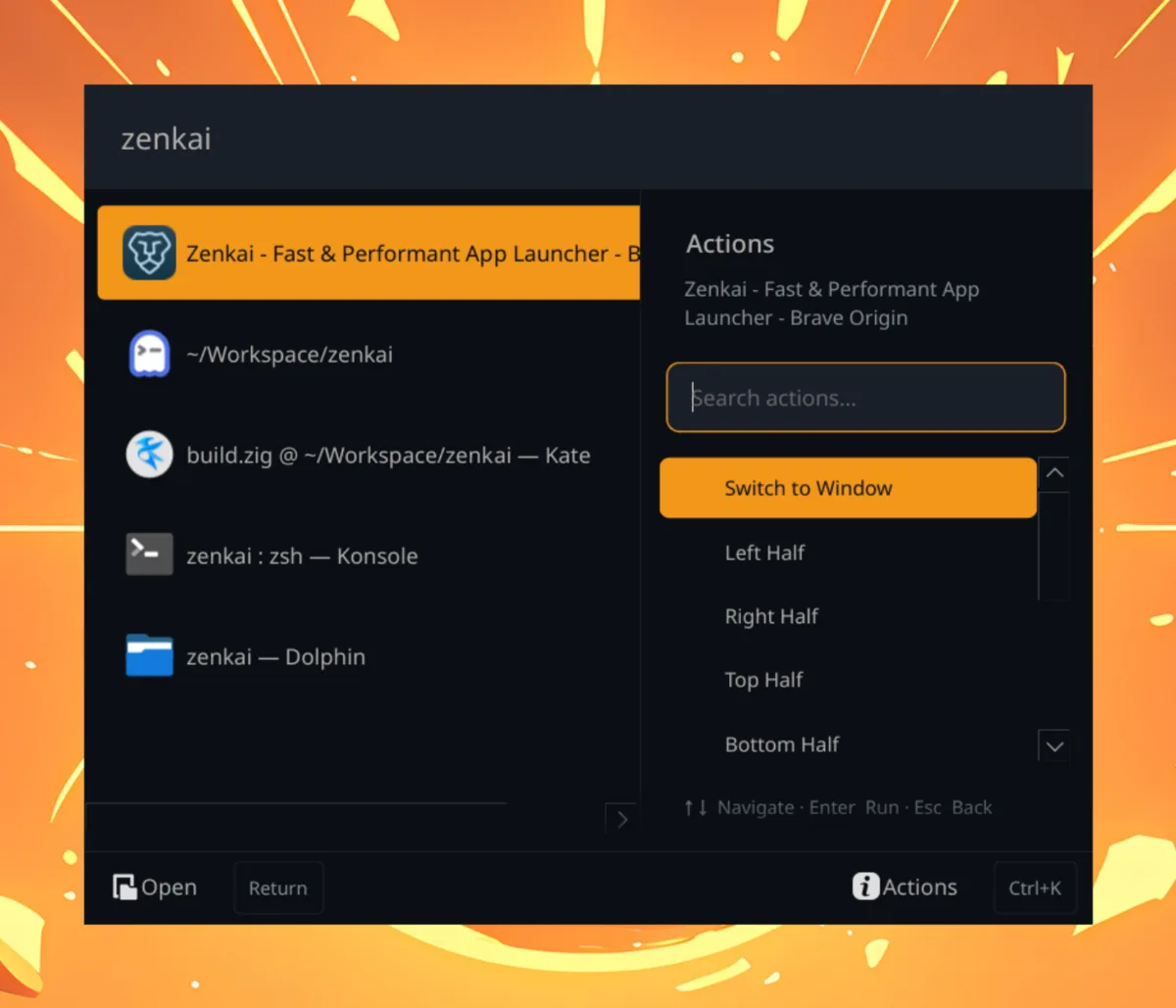
Ctrl+K on any result to copy a path, rename a file, snap a window or open a private browser window.
Skip the calculator app
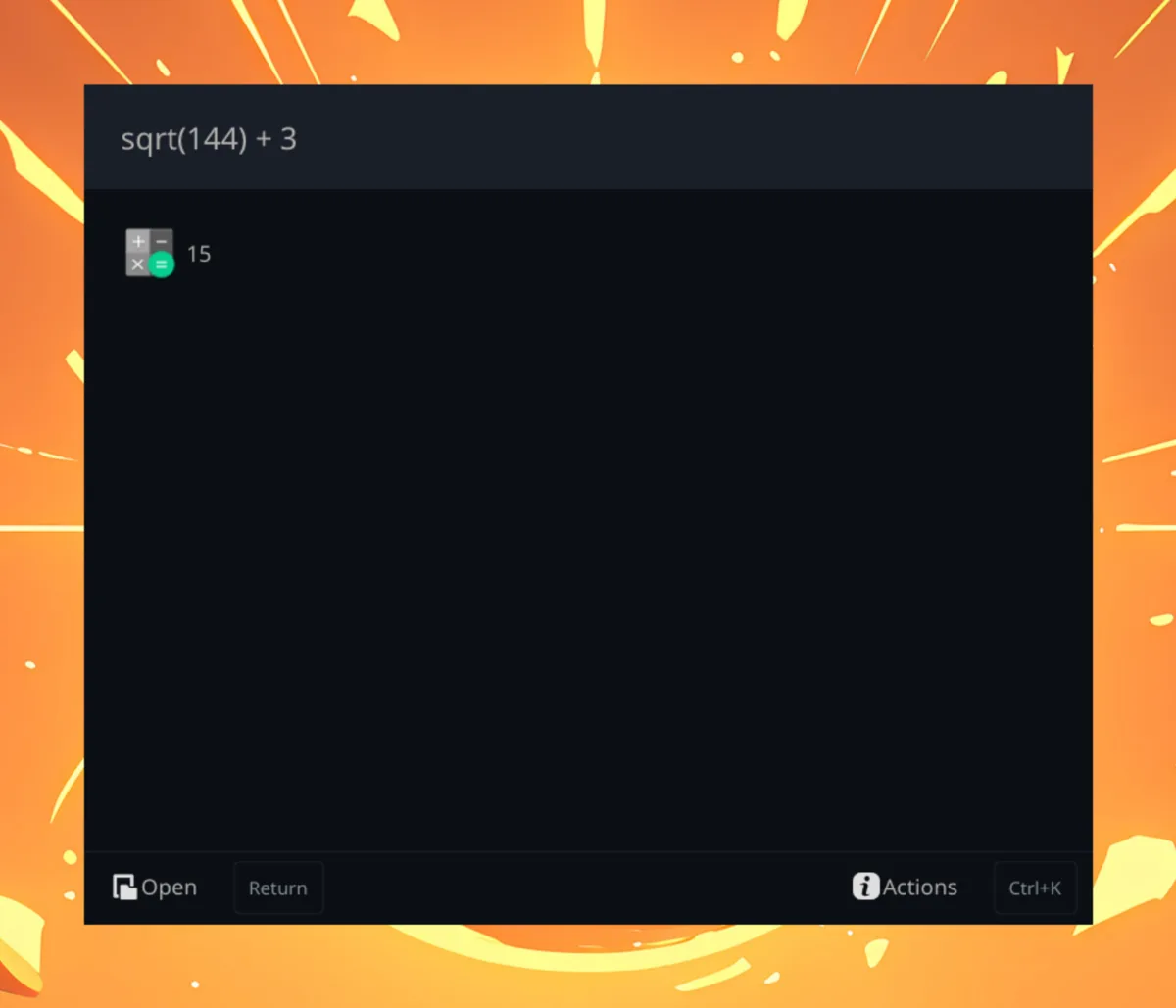
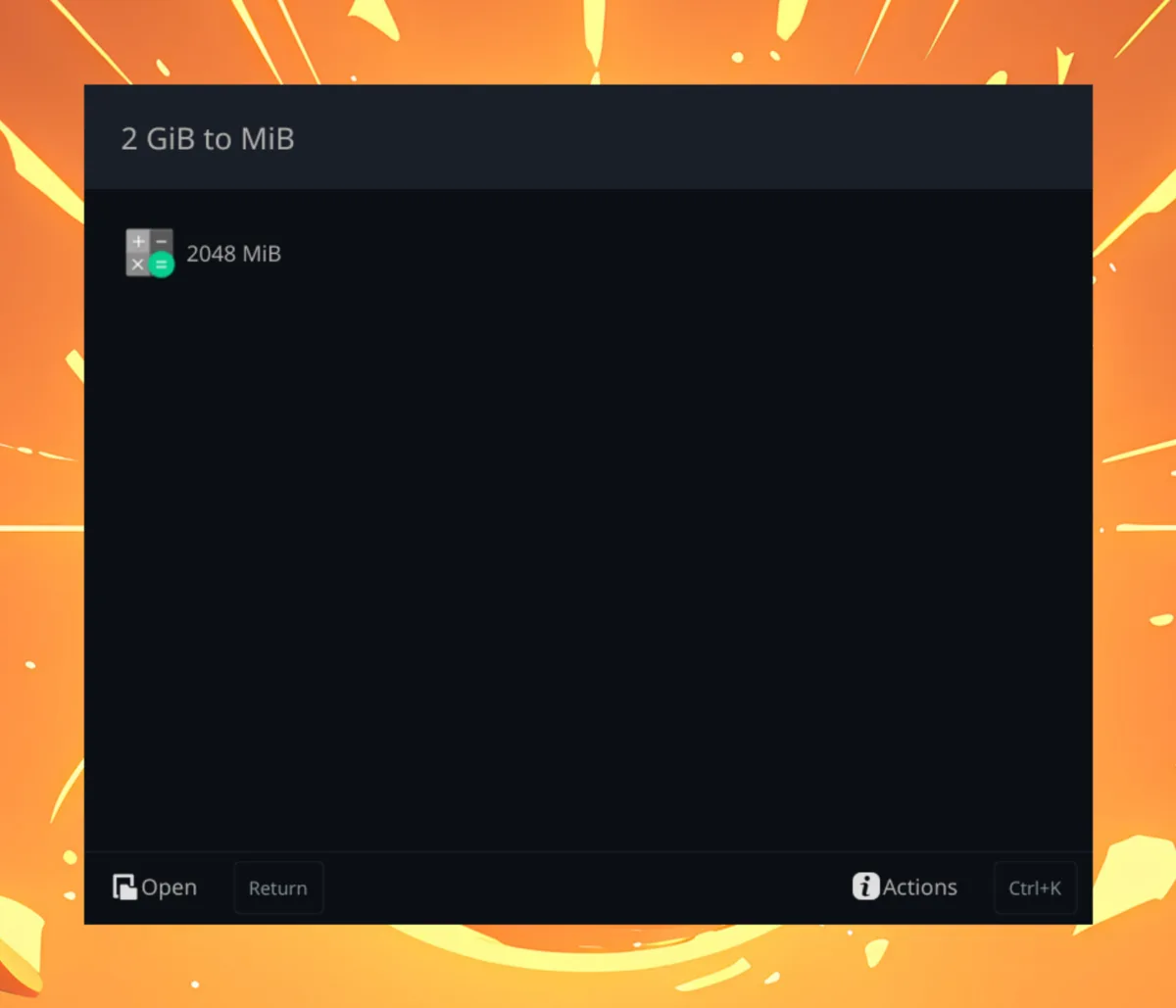
Math, unit conversions and currency rates as you type. Enter copies the answer.
Make it yours
Add your own results, actions and previews with a few lines of Lua, no recompiling.
Measured with zenkai --benchmark-startup on Arch Linux, KDE Plasma 6, 116 apps. Memory is PSS: shared Qt libraries are counted proportionally.
One search bar, a lot of tricks
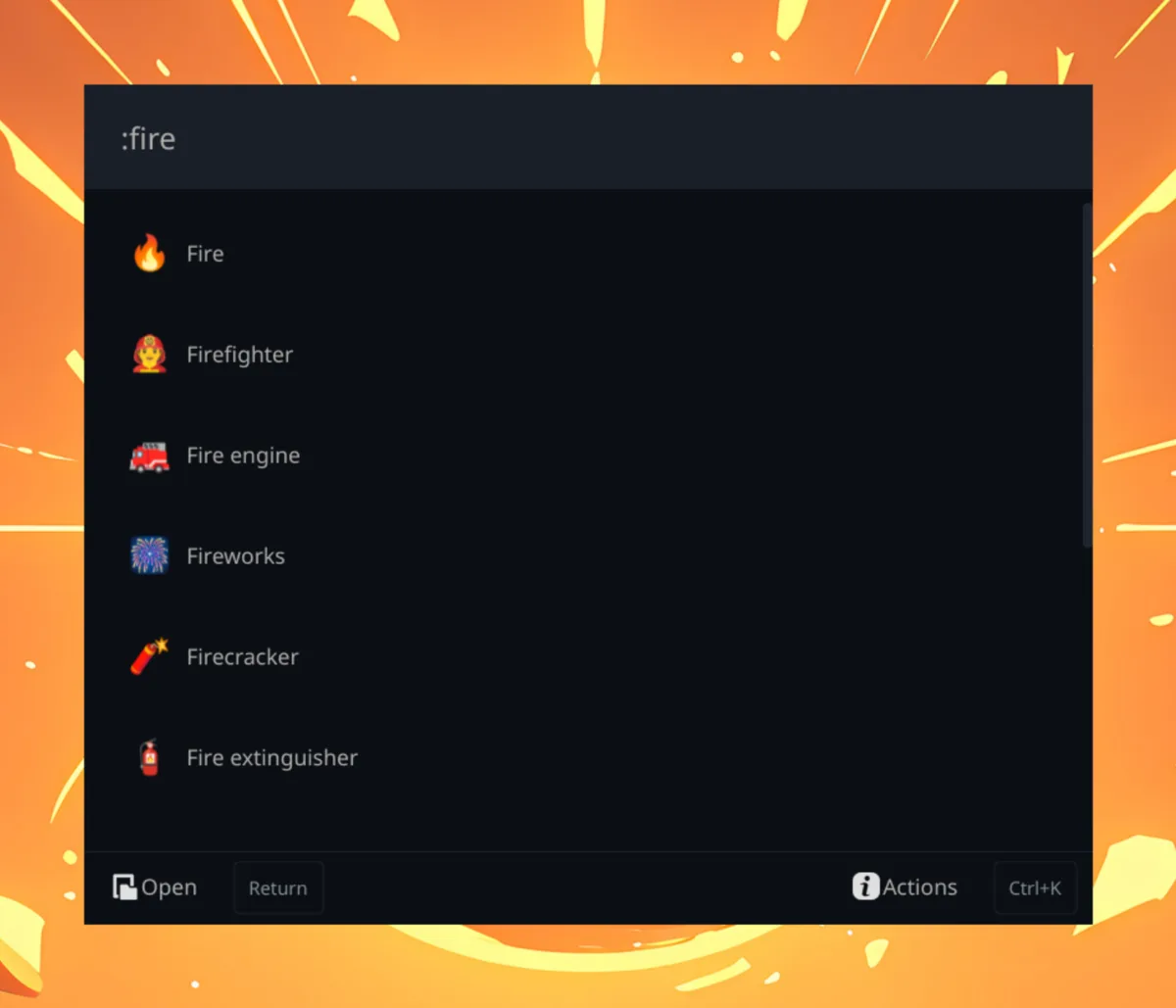
These are real screenshots from a KDE Plasma desktop. Pick a tab to see what each part of Zenkai does and how to try it yourself.
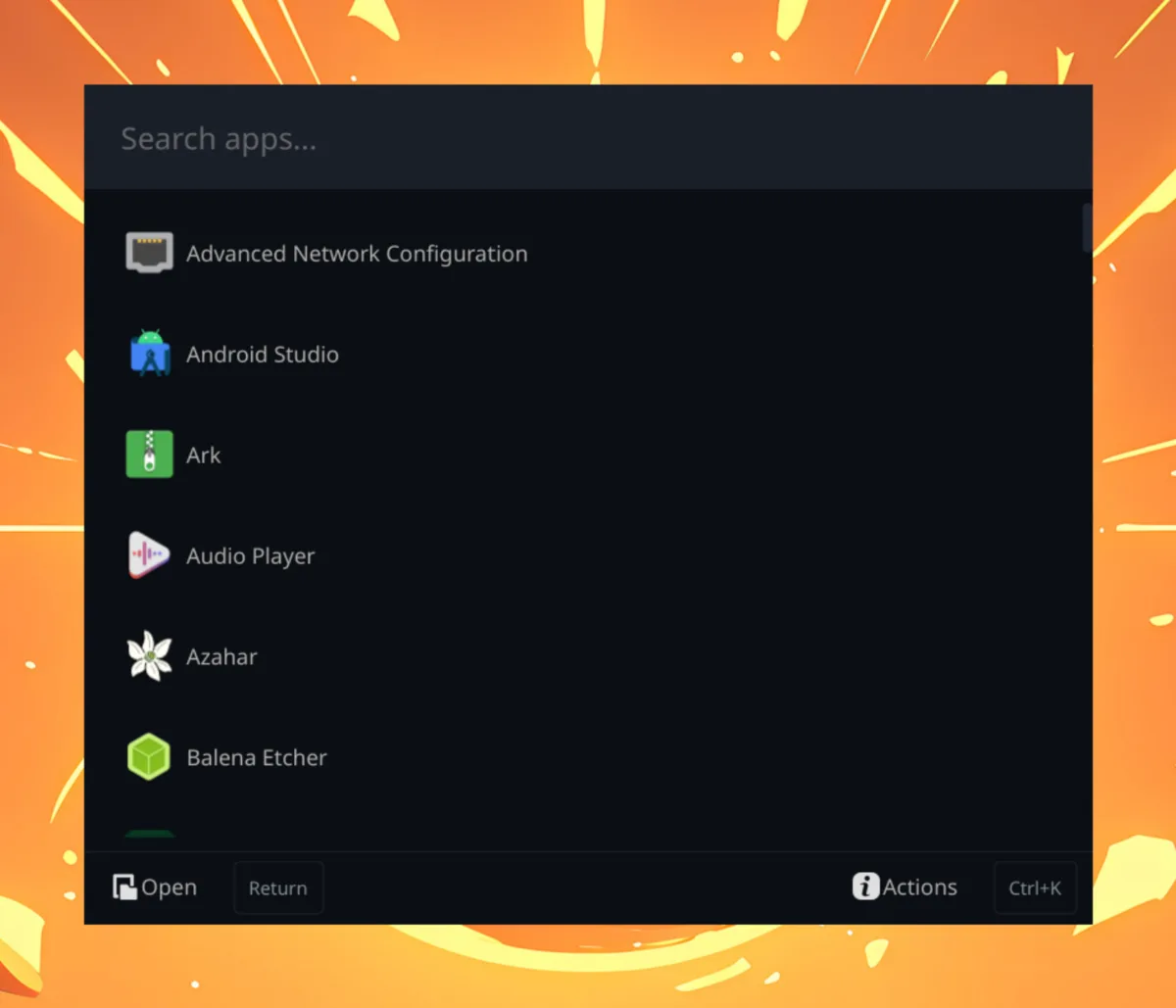
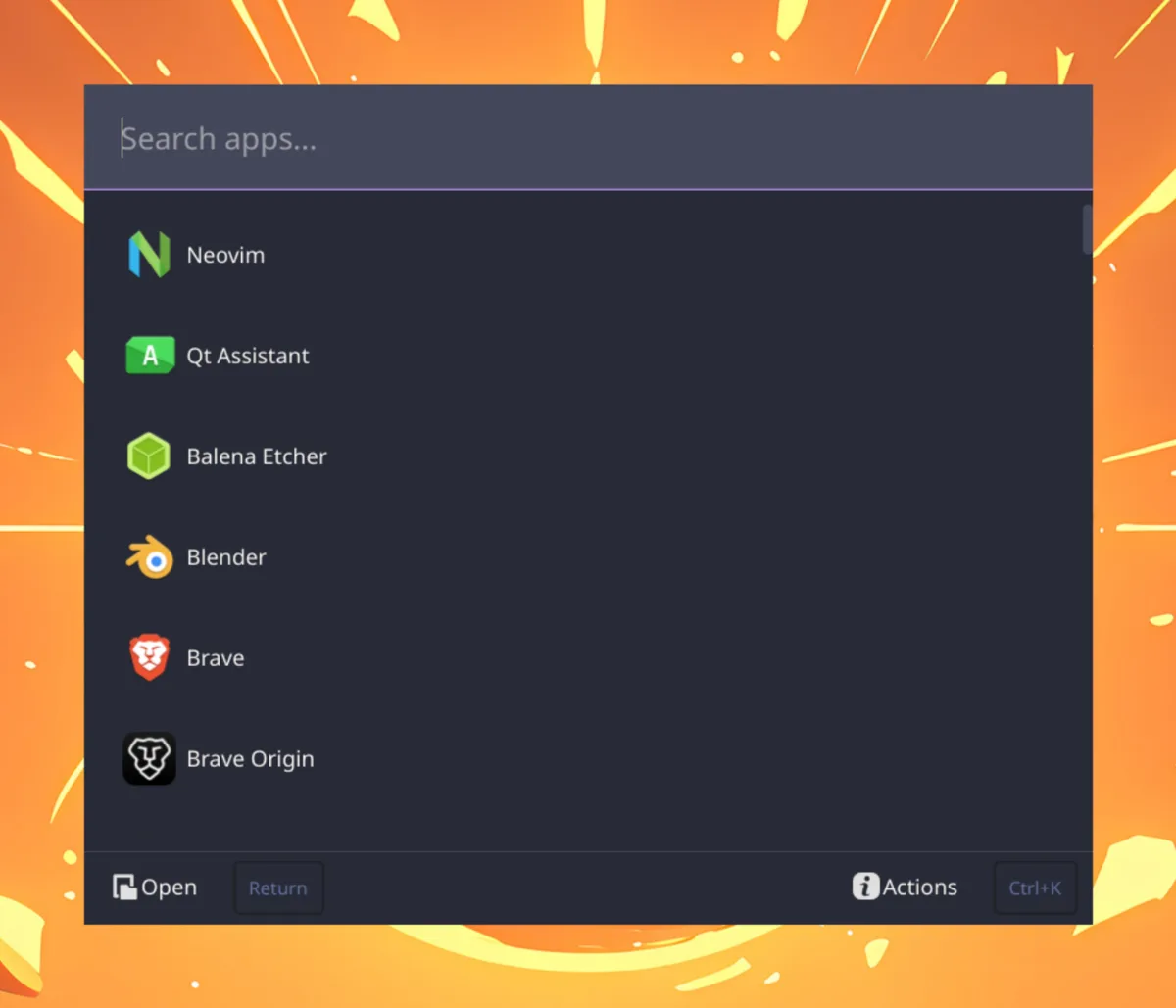
Find any app in a few keystrokes
Zenkai lists every app on your system and narrows it down as you type. Fuzzy matching means 'ff' finds Firefox and 'blnd' finds Blender, and icons only load for the rows you can actually see, so it opens fast even with hundreds of apps.
- Reads .desktop files and Start Menu shortcuts
- Desktop actions like New Private Window
- Custom entries with --menu
Try it
zenkai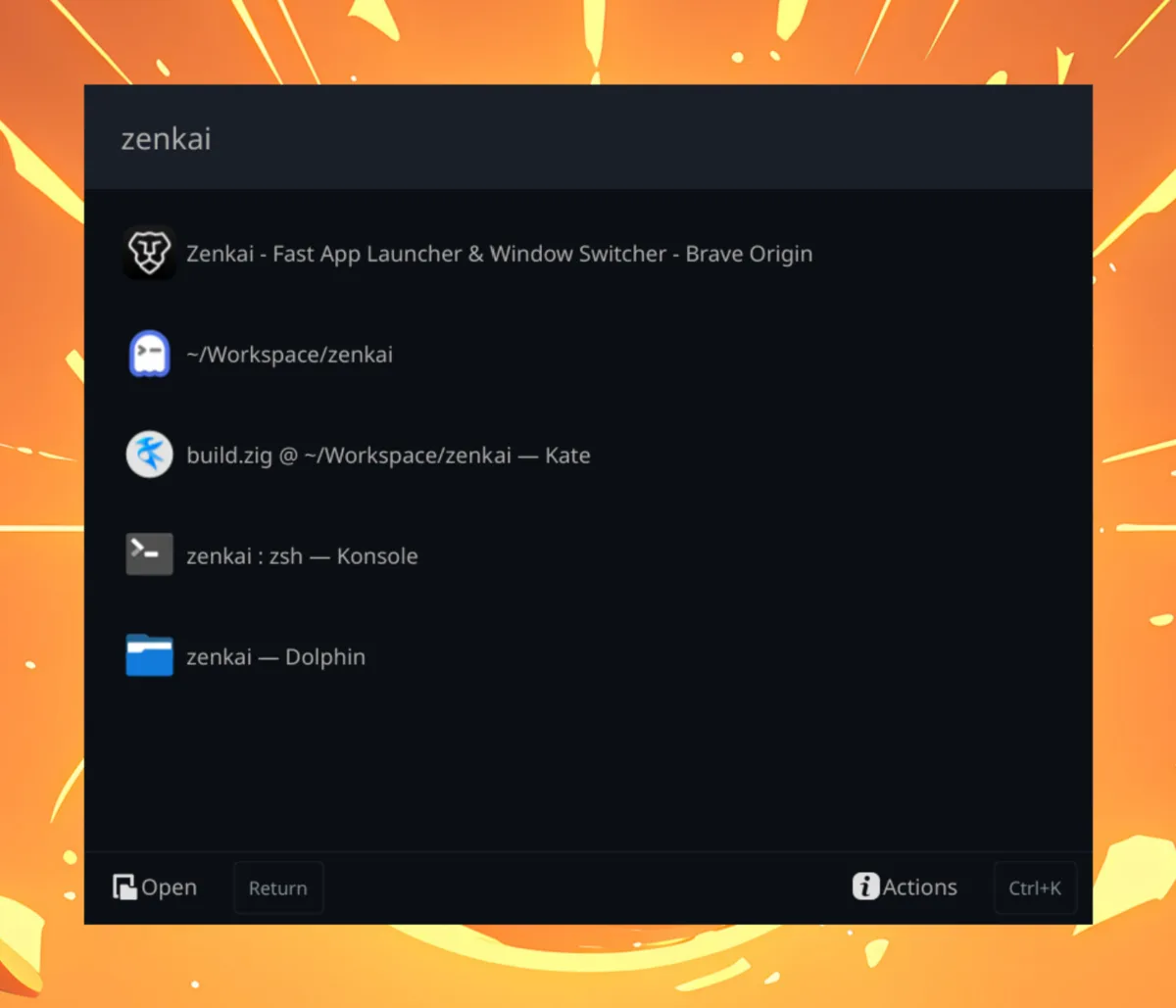

Jump to any window. Put it where you want it.
Type win: to list your open windows with their app icons, filter by title or app name and press Enter to focus one. Or start Zenkai with --window-switcher and bind it to a hotkey for a dedicated switcher.
Press Ctrl+K on a window to arrange it. Layouts respect panels, docks and scaled displays across every monitor.
Works on
- WindowsNative Win32, nothing to install
- macOSNative AppKit, needs Accessibility access
- KDE Plasma 6Wayland and X11, nothing to install
- HyprlandUses hyprctl
- SwayUses swaymsg
- X11Uses wmctrl and xrandr
Your tabs, bookmarks and history, in the launcher.
Zenkai Web is a small extension for Chromium-based browsers and Firefox. With it installed, Zenkai searches the tabs of every browser and window you have open, switches to one with Enter, and manages your bookmarks without opening the browser's bookmark manager.
tab:Find any open tab by title or URL. Enter switches to it.bm:Search bookmarks and folders, then rename, move or delete them.hist:Search your history and reopen a page.
Press Ctrl+K on a tab for more:
Works with
The companion app runs on Linux for now.
- BraveLoad unpacked
- Chrome and ChromiumLoad unpacked
- Edge and VivaldiLoad unpacked
- FirefoxTemporary add-on
Everything stays on your machine. The extension only talks to a local helper, never to a server.
Browser extension docs →Coming from another launcher?
Zenkai borrows the best ideas from the launchers people already love, and brings them to every desktop.
Raycast or Alfred
The same actions-on-everything idea, but free, open source and also on Linux.
PowerToys Run
Apps, files, a calculator and window switching, plus snapping windows from the keyboard.
Rofi, Wofi or Fuzzel
No scripts to glue together: windows, files, previews and actions work out of the box.
KRunner
Snap windows into layouts from the keyboard, an actions pane on every result, and 65+ themes.
Download
Grab the latest release from GitHub.
Arch Linux (AUR)
zenkai-bin, or zenkai to build from source. Your AUR helper keeps it updated
yay -S zenkai-bin
Build it from source
Zig fetches libqt6zig, ziglua and kwinctl by itself, so you only need the toolchain and Qt. Full install guide →
Zig 0.17.0
The compiler and build system. Get it from ziglang.org; most distro packages are too old.
Qt 6.8.2
Development libraries for Core, Gui, Widgets and Svg (qt6-base and qt6-svg).
GCC or Clang
Zig uses it to link the C++ parts, since Qt is written in C++.
pkg-config
Helps the build find the Qt headers and libraries on Linux.
Build from source
The binary ends up in zig-out/bin/zenkai.
git clone https://github.com/dayvster/zenkai
cd zenkai
zig build
Configure it from the command line
Every option is a flag, so one binary can be a launcher, a window switcher or a calculator depending on how you start it. Defaults live in zenkai.conf.
Look & behavior
Performance & development
See all 35+ flags in the CLI reference